








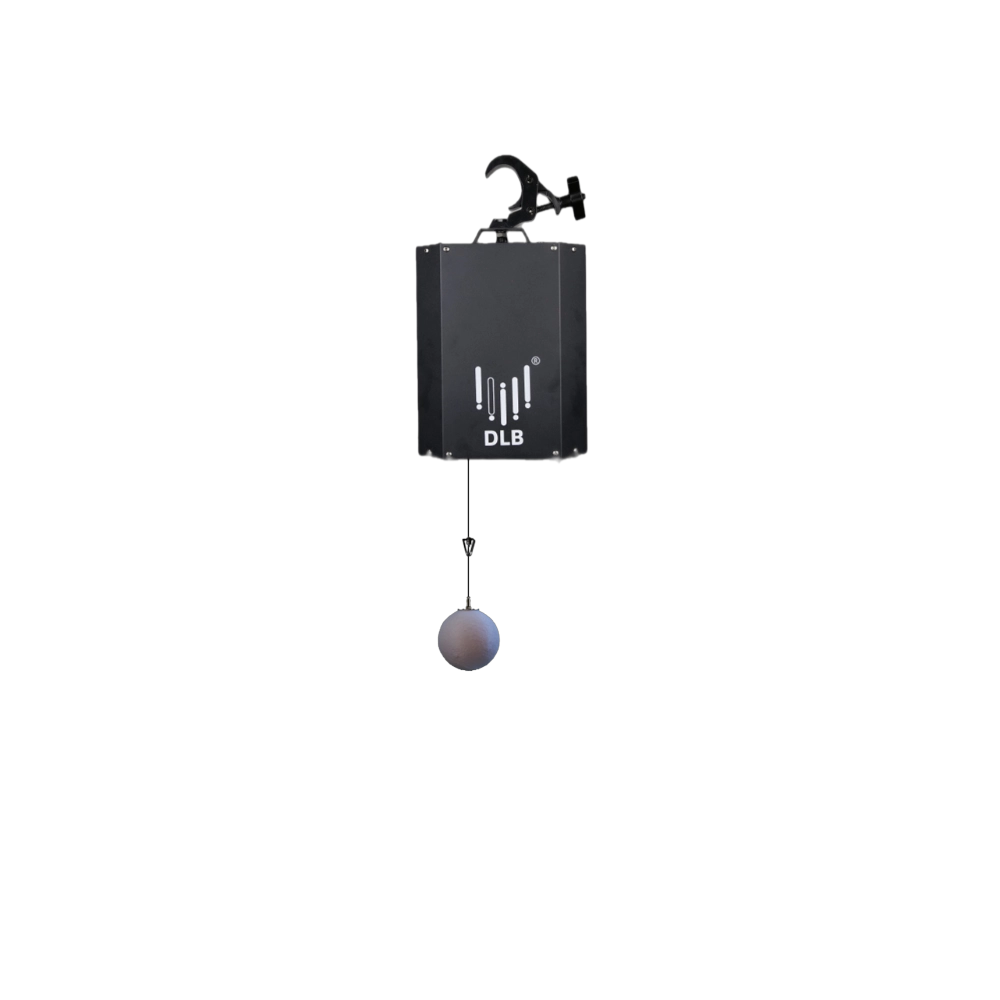
Kinetic Moon Ball Light——Ideal for a wide range of large-scale events: commercial spaces, TV shows, concerts, nightclubs, and various other settings.
Experience dynamic brilliance with FENG-YI's Kinetic Moon Ball Light. Perfect for large-scale events—commercial spaces, concerts, TV shows, and nightclubs. Elevate your venue’s ambiance with our cutting-edge kinetic balls lighting and kinetic light ball technology.
◉ Product Features

Dynamic Lifting Function
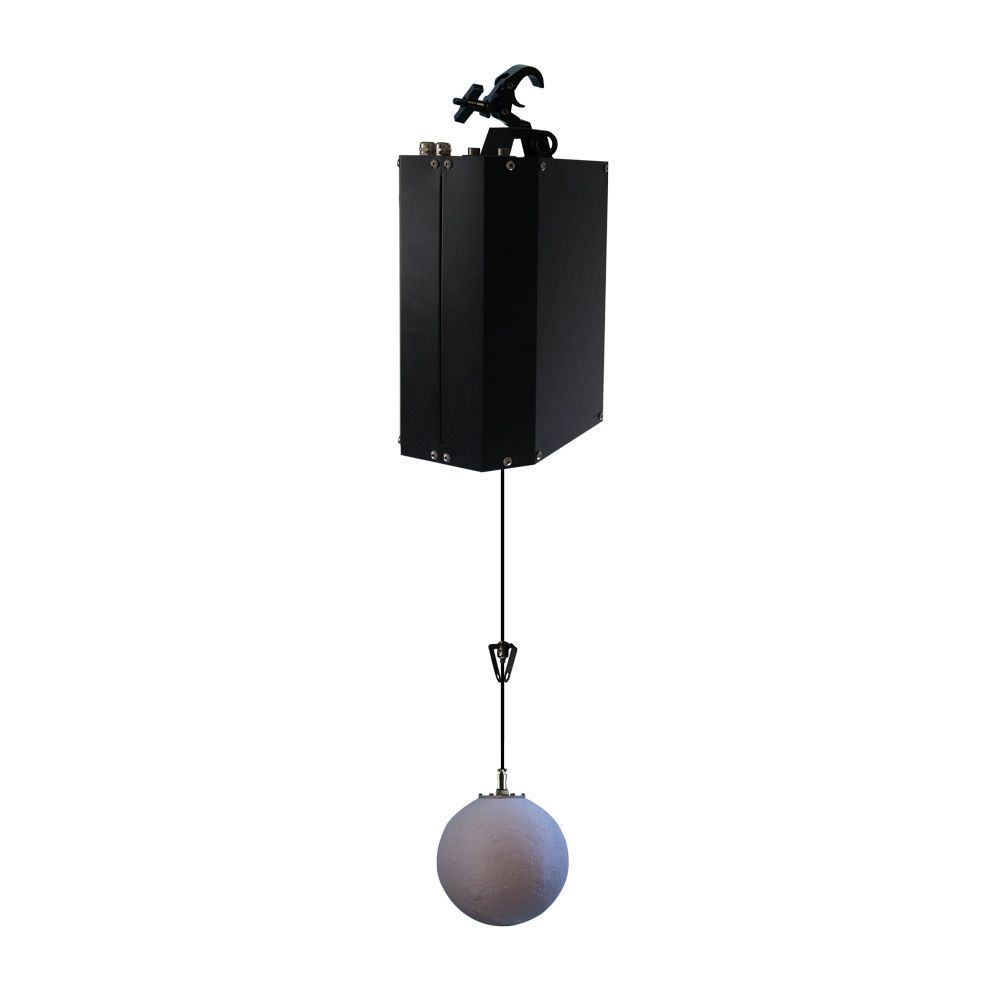
Supports a 6-meter lifting stroke with a maximum speed of 1m/s, allowing flexible height adjustment to add visual dynamics

Rich Color Mixing
Equipped with 3×4W RGBW 4-in-1 LED beads, enabling seamless RGBW color blending to achieve diverse light hues.

Precise DMX Control
Adopts DMX512 protocol with 10 channels, enabling professional control over lifting, color, brightness, and other parameters.

Versatile Scene Adaptation
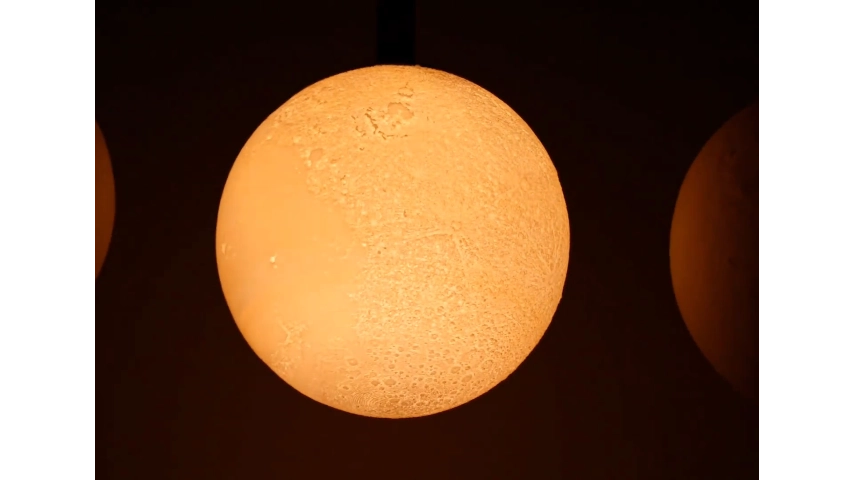
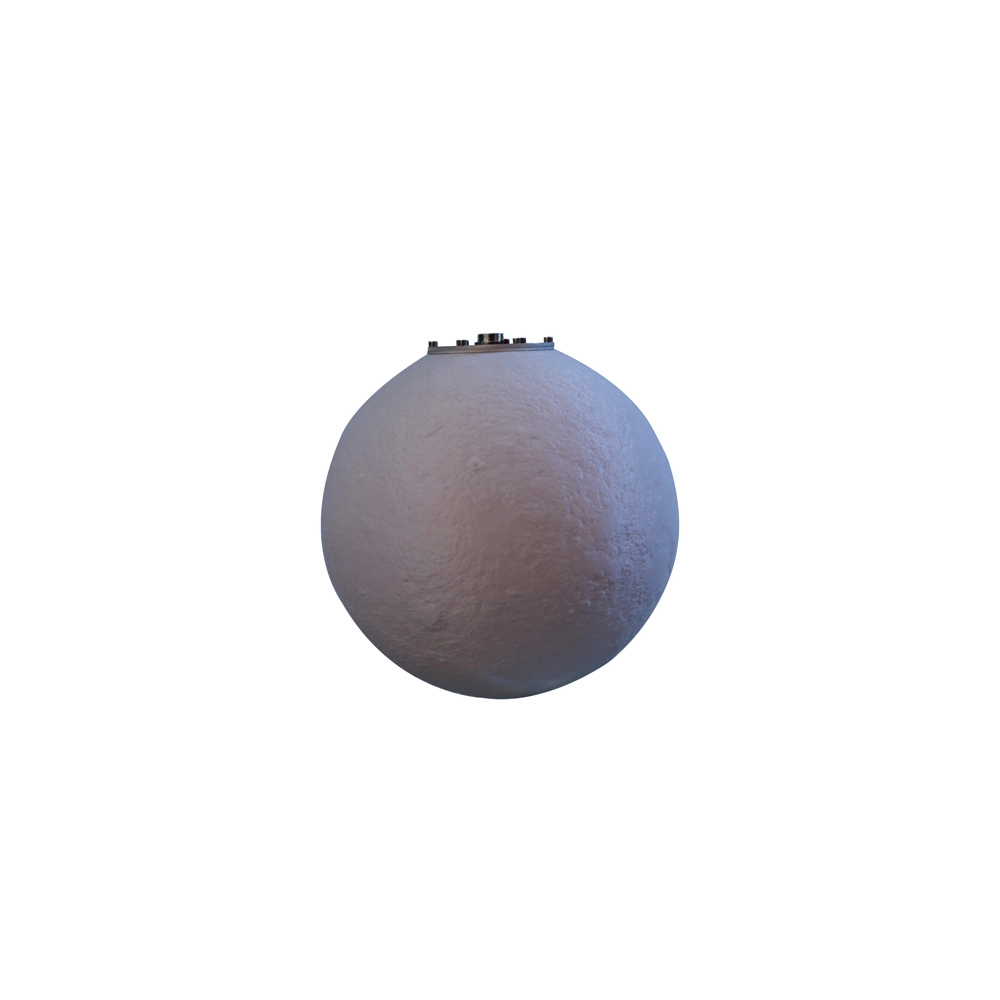
The 25 cm LED moon ball projects soft and uniform light, ideal for crafting thematic atmospheres in various events.
◉ Specifications
| Parameter | Details | ||
| Total Power | 100W | ||
| LED Beads | 3 pcs of 4W RGBW 4-in-1 LED beads | ||
| Color Mixing | RGBW mixing | ||
| Lifting Stroke | 6 meters | ||
| Control Mode | DMX 512 (10 channels) | ||
| Maximum Load | 1 KG | ||
| Maximum Speed | 1 m/s | ||
| Components | 1 host unit + 1×25 cm-diameter LED moon ball | ||
| Protection Rating | IP20 | ||
| Exterior Material | Metal sheet with spray coating | ||
| Net Weight | 8.55 KG | ||
| Gross Weight (per case) | 98.5 kg (7 units per aviation case) | ||
| Product Dimensions | 317×167×344 mm | ||
| Package Dimensions | 1370×540×720 mm | ||
◉ Product Details
◉ Applications
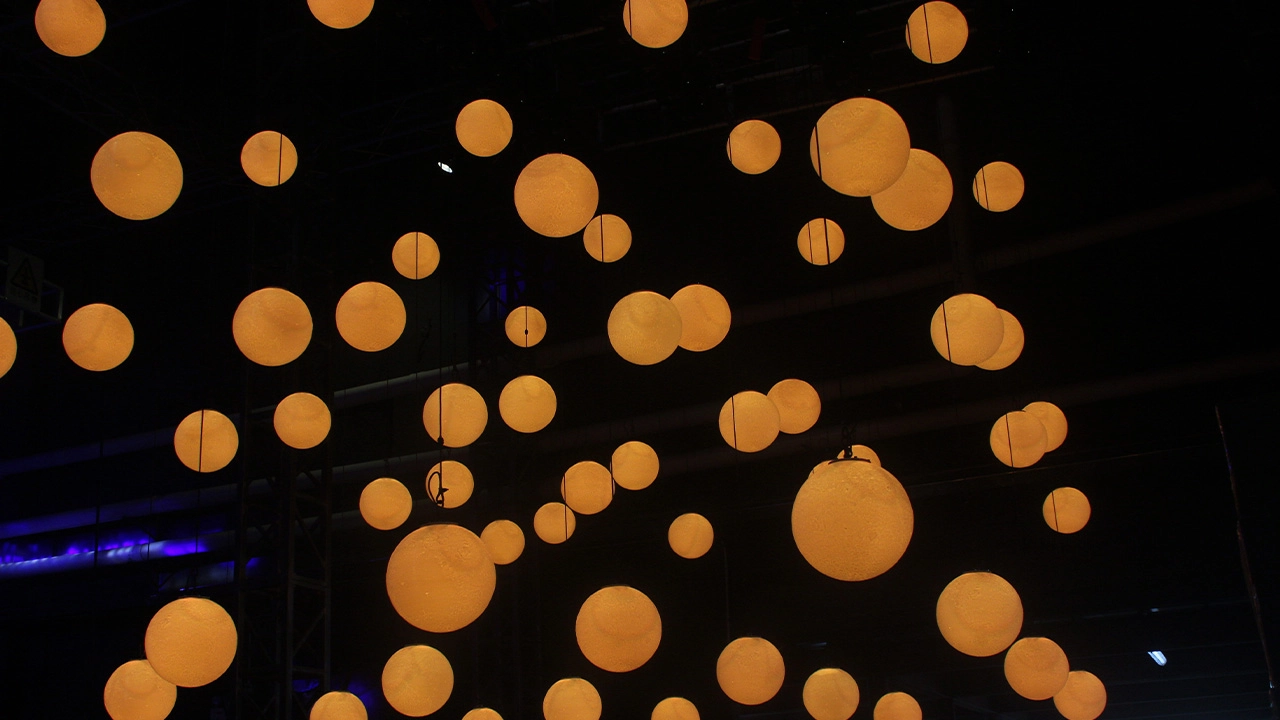
Banquet Halls
Creates romantic and elegant atmospheres for weddings, award ceremonies, and corporate dinners.
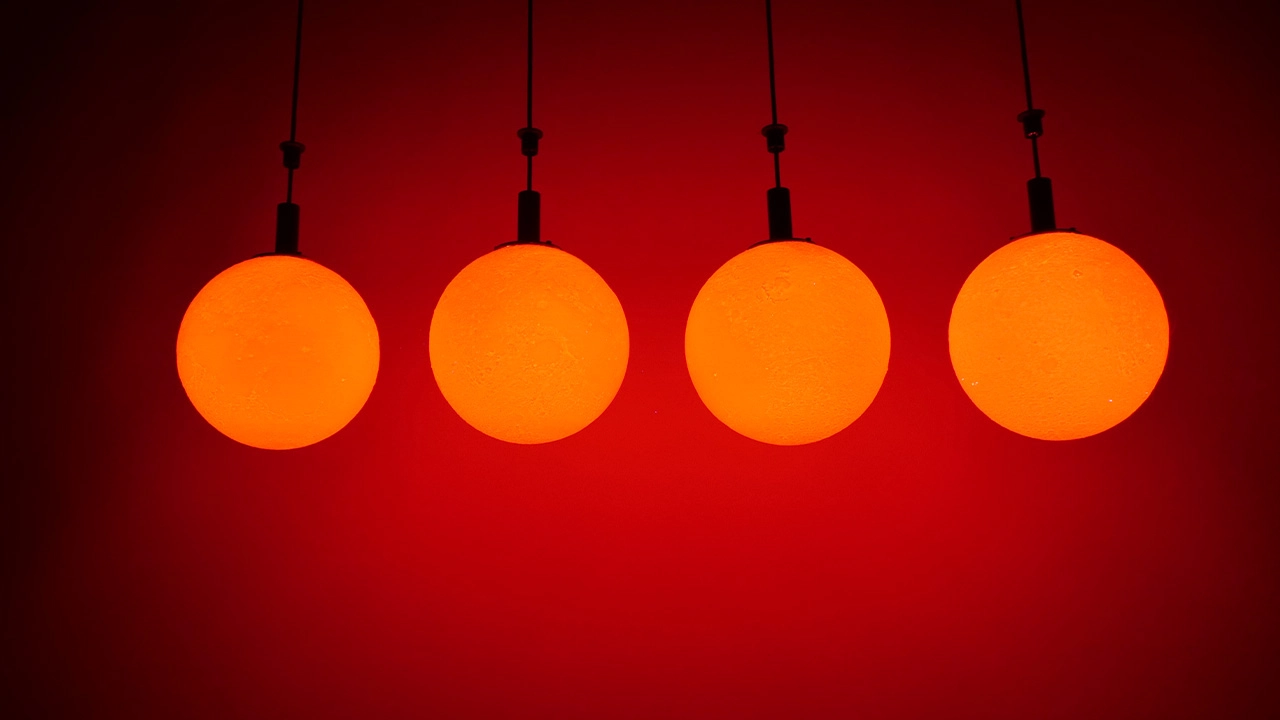
Grand Parties & Events
Enhances visual appeal for large-scale receptions, brand launches, and festive gatherings.
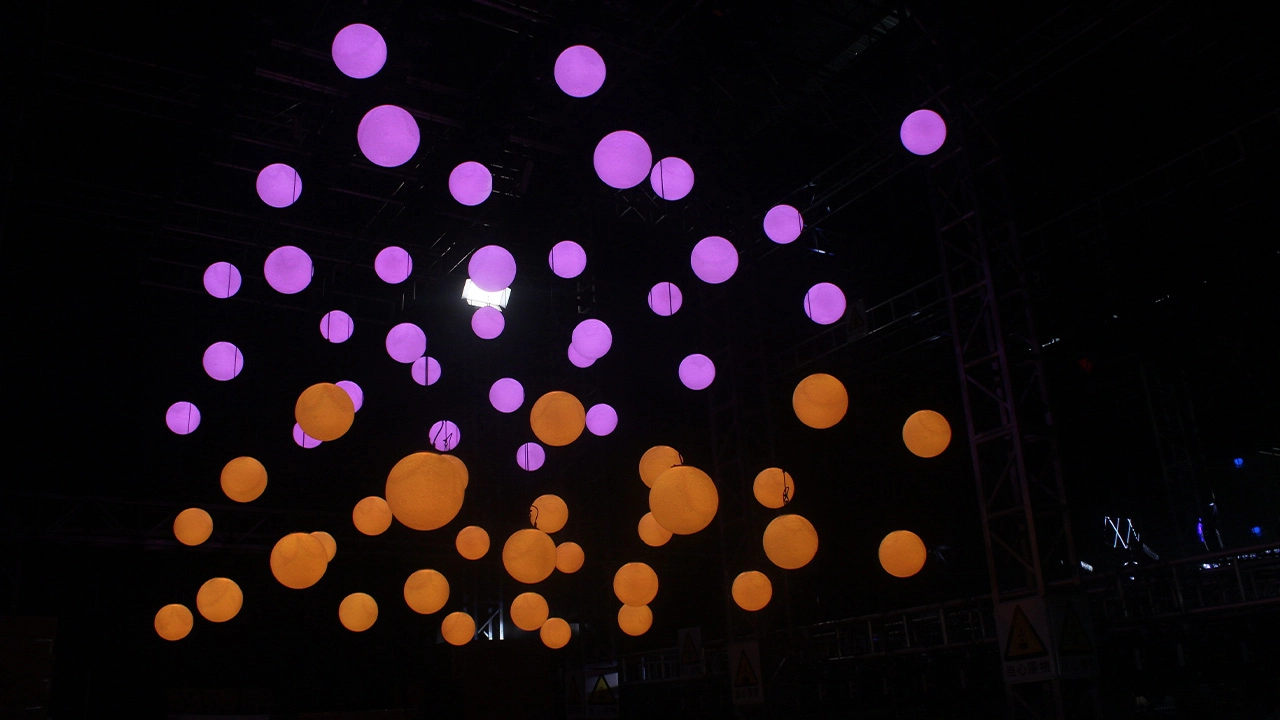
Stage Performances
Adds dynamic lighting elements to concerts, theatrical shows, and creative performances.
◉ Advantages & Competitiveness

Innovative Lifting Design
The 6m lifting stroke introduces dynamic visual layers, making events more engaging than static lighting setups.

Vibrant RGBW Color Mixing
3×4W RGBW LED beads enable rich color combinations, meeting diverse thematic lighting needs.

Precise DMX Control
10-channel DMX512 support allows professional lighting designers to fine-tune effects with accuracy.

Safe & Sturdy Structure
With a 1KG maximum load and durable metal exterior, it ensures stable operation during events.

Easy Installation & Transport
Comes with aviation case packaging for safe transportation, and simplified mounting enables quick setup.
◉ Customization Options
Moon Ball Customization
Diameter of the LED moon ball (other than 25cm, subject to technical feasibility).
Lifting Stroke
Adjustment of lifting stroke length (e.g., 4m, 8m) based on venue height requirements.
Control Channels
Customization of DMX channel count for simplified or extended control functions.
Exterior Finish
Custom spray coating colors for the metal host unit to match venue aesthetics.
◉ Packaging & Logistic

Packaging
▪ Each unit is packed in a dedicated aviation case, ensuring protection during transit (7 units per case for bulk orders).
▪ Included accessories: User manual, warranty card, signal cable, power cable.

Logistics Instructions
▪ Transport via freight or courier services; the aviation case provides shock and impact protection.
▪ Storage: Keep in a dry environment with a temperature range of -10°C to 40°C; avoid direct moisture exposure.
◉ Frequently Asked Questions
Products
The cutting blades do not move linearly. How to troubleshoot?
Fix with these steps:
1. Channel Check: Ensure the correct cutting channel (e.g., Cut 1: CH24) is selected on the controller; set the channel value to 100-255 (0=no movement).
2. Motor Calibration: Enter "Factory Settings → Motor Calibration → Cut 1" and adjust the offset (-128~+127) to compensate for mechanical errors.
3. Mechanical Blockage: Power off the fixture and check if debris (dust, wire) is blocking the blade’s travel path; clean the path with a soft brush and re-test.
What light control modes does the 7-lamp 60W wash light support? Is it compatible with DMX consoles of other brands?
It supports three control modes: DMX512, sound activation, and auto-run. The channels can be selected as 23CH/35CH/51CH (the 51CH mode enables independent R/G/B/W dimming for each individual lamp bead). It complies with the international universal DMX512 protocol and is compatible with mainstream brand consoles (e.g., MA, Good, Pearl consoles). When connecting, it is recommended to connect a 120Ω terminator to the output end of the last light to reduce signal interference.
The fixture does not respond to the DMX controller. How to fix it?
Resolve with these checks:
1. DMX Address & Channels: Ensure the fixture’s starting address is correct (e.g., 34CH fixture 1: A001, fixture 2: A035) and the controller’s channel count ≥ total fixture channels.
2. Signal Wiring: Use shielded twisted-pair DMX cables (≤150m); install a 120Ω terminal resistor between pins 2-3 of the last fixture’s XLR connector.
3. Signal Amplification: For cable lengths >150m, add a DMX signal amplifier to avoid signal loss; separate DMX cables from high-voltage power cables (≥1m apart) to prevent interference.
The fixture overheats and shuts down. What should I do?
Resolve overheating issues:
1. Environment Check: Ensure the operating temperature ≤60℃; move the fixture away from heat sources (e.g., stage heaters) and ensure 50cm clearance around the fan grille.
2. Fan Maintenance: Clean the fan and fan grille with compressed air (remove dust buildup); check if the fan runs when the fixture is powered on (replace fan if silent).
3. Protection Threshold: Enter "Settings → Temperature Protection" to adjust the threshold (default 60℃, max 80℃) if the environment requires higher operating temperatures.
The X/Y axis moves abnormally (jitter, no response). What causes this?
Address the issue as follows:
1. Mechanical Check: Open the fixture (after power-off) to inspect if the X/Y axis belts are loose or broken; re-tighten or replace belts if needed.
2. Optical Coupling Calibration: Enter "Settings → Motor Calibration → X/Y Axis" to adjust the offset (-128~+127) or enable "Optical Coupling" (auto-corrects step loss).
3. Reset & Restart: Press "Menu → Reset → XY Reset" to reposition the axes; if no response, check the X/Y axis photoelectric switches (replace if "X/Y Hall Error" appears in the error menu).
Tags
kinetic light ball
kinetic light ball
kinetic balls lighting
kinetic balls lighting
Get a Free Quote
Your request is safe with us. Share your requirements and we’ll provide the best options for your business.
Rest assured that your privacy is important to us, and all information provided will be handled with the utmost confidentiality.
By clicking "Send your message," I agree to your processing my personal data.
To see how to withdraw your consent, how to control your personal data, and how we process it, please see our Privacy Policy and Terms of Use.
You may also like
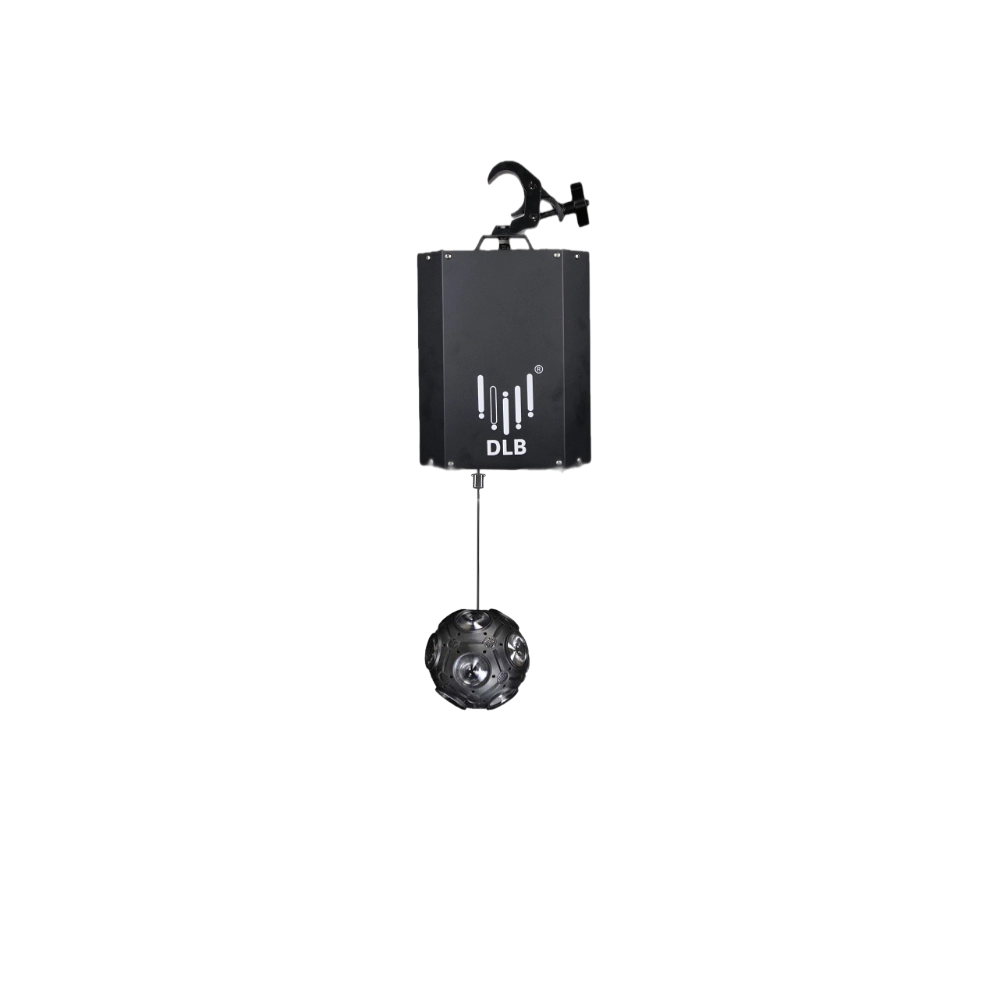
Kinetic Football Light——Ideal for a wide range of large-scale events: commercial spaces, TV shows, concerts, nightclubs, and various other settings.
The FENG-YI Kinetic Football Light combines dynamic kinetic balls lighting with versatile design, perfect for large-scale events like TV shows, concerts, nightclubs, and commercial spaces. Elevate your venue’s ambiance with this innovative kinetic light ball solution.
↳ Read More
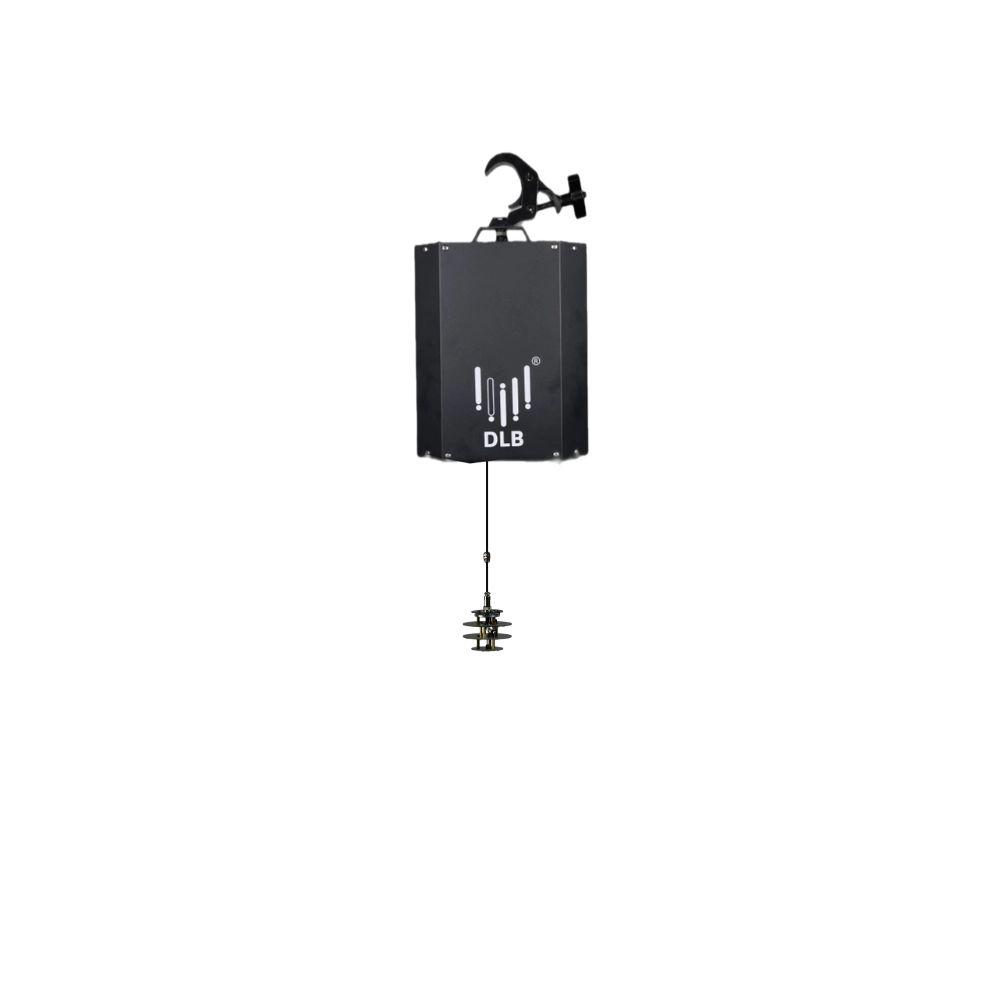
Kinetic Mini Ball——Ideal for a wide range of large-scale events: commercial spaces, TV shows, concerts, nightclubs, and various other settings.
Experience dynamic illumination with FENG-YI’s Kinetic Mini Ball. Perfect for large-scale events like concerts, nightclubs, TV shows, and commercial spaces, this kinetic light ball offers captivating kinetic balls lighting that transforms any venue into a vibrant spectacle.
↳ Read More
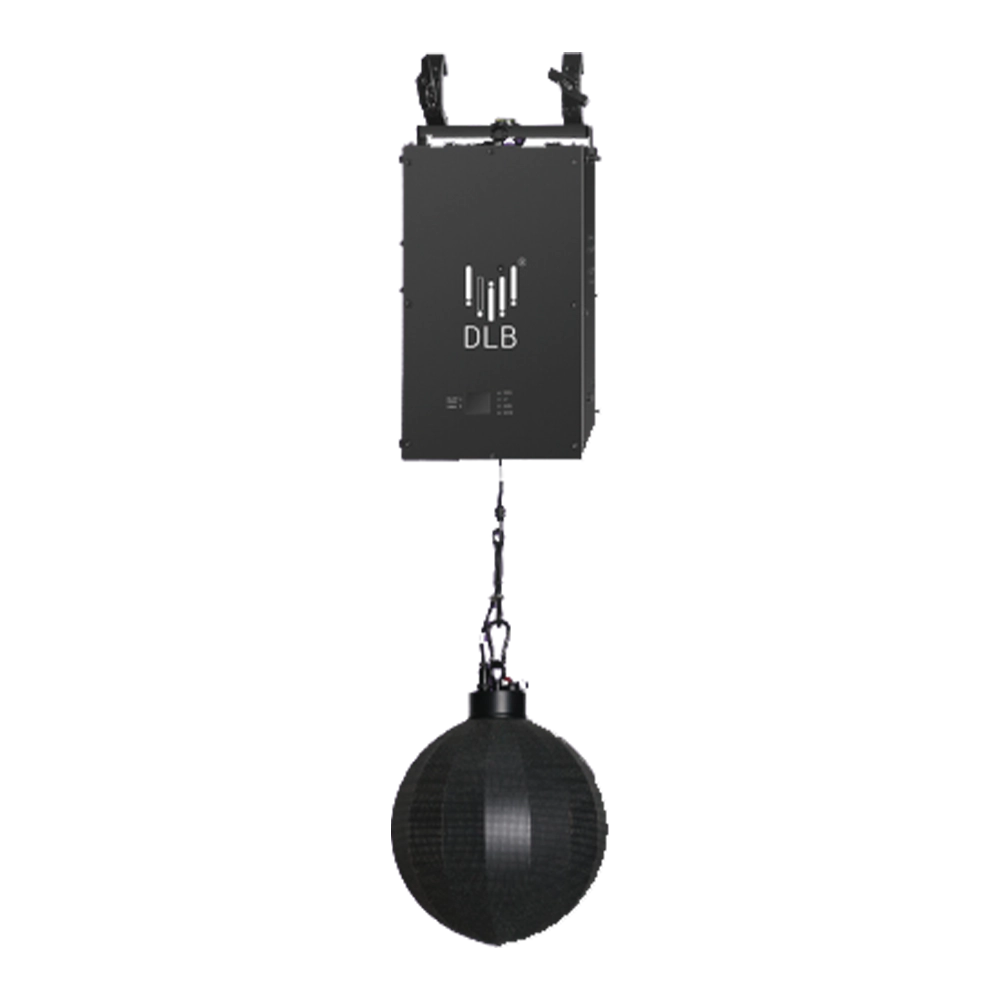
Kinetic Video Ball Light——Ideal for a wide range of large-scale events: commercial spaces, TV shows, concerts, nightclubs, and various other settings
Experience dynamic lighting with FENG-YI's Kinetic Video Ball Light—perfect for large-scale events, concerts, TV shows, and nightclubs. Our kinetic light ball delivers stunning kinetic balls lighting effects, transforming any commercial space with vibrant motion and brilliance.
↳ Read More
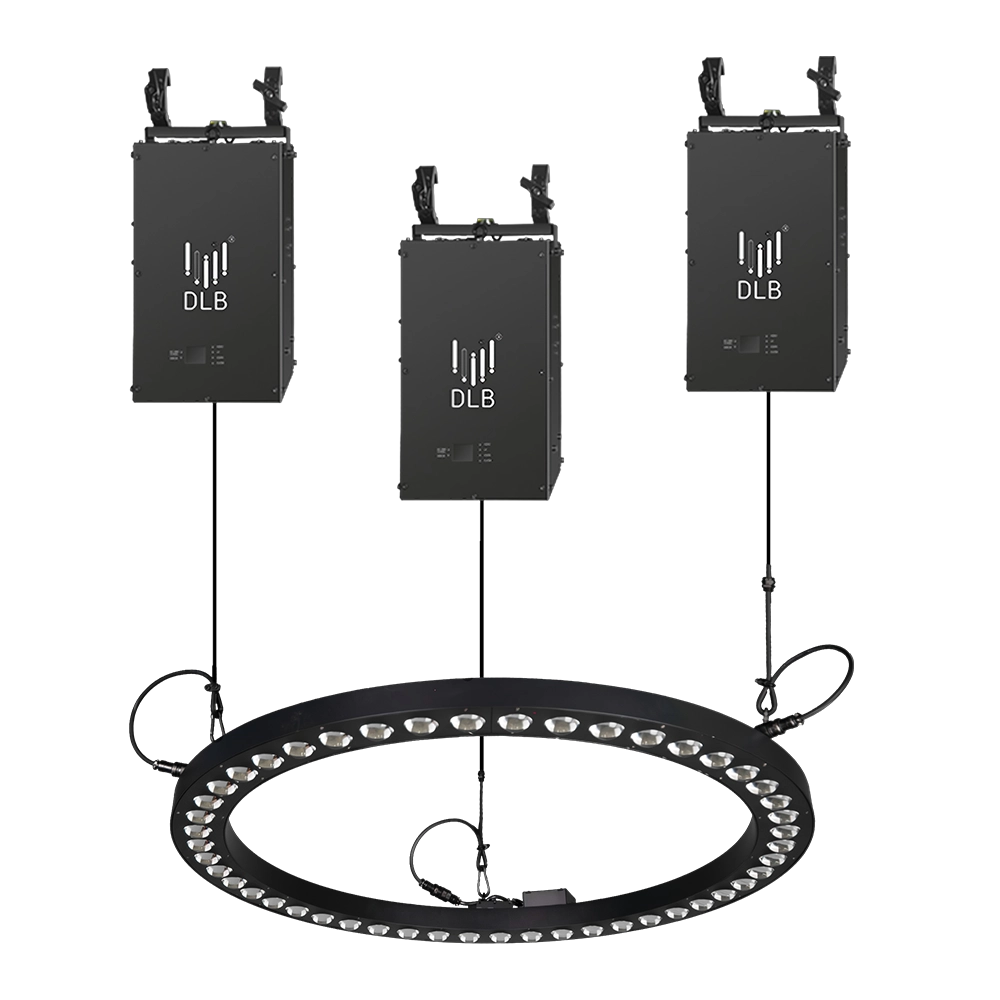
Kinetic Halo Ring——Ideal for a wide range of large-scale events: commercial spaces, TV shows, concerts, nightclubs, and various other settings.
Experience dynamic illumination with the FENG-YI Kinetic Halo Ring. This versatile kinetic light is perfect for large-scale events—commercial spaces, TV shows, concerts, and nightclubs—delivering stunning kinetic ring light effects that captivate every audience.
↳ Read More
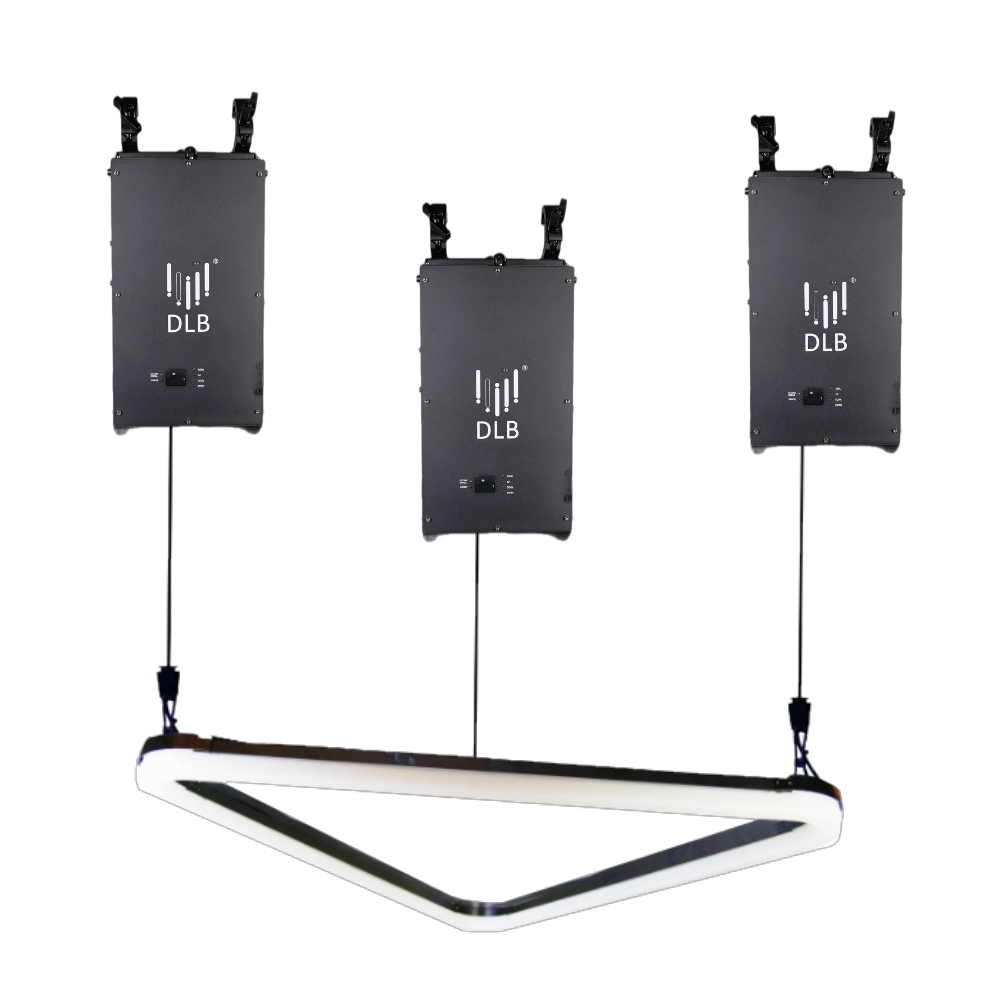
Kinetic Arc Light——Ideal for a wide range of large-scale events: commercial spaces, TV shows, concerts, nightclubs, and various other settings.
FENG-YI’s Kinetic Arc Light is a kinetic triangle LED light panel designed for large-scale events. Perfect for commercial spaces, TV shows, concerts, and nightclubs, it delivers dynamic lighting effects that captivate audiences and elevate any setting. Ideal kinetic light solution.
↳ Read More
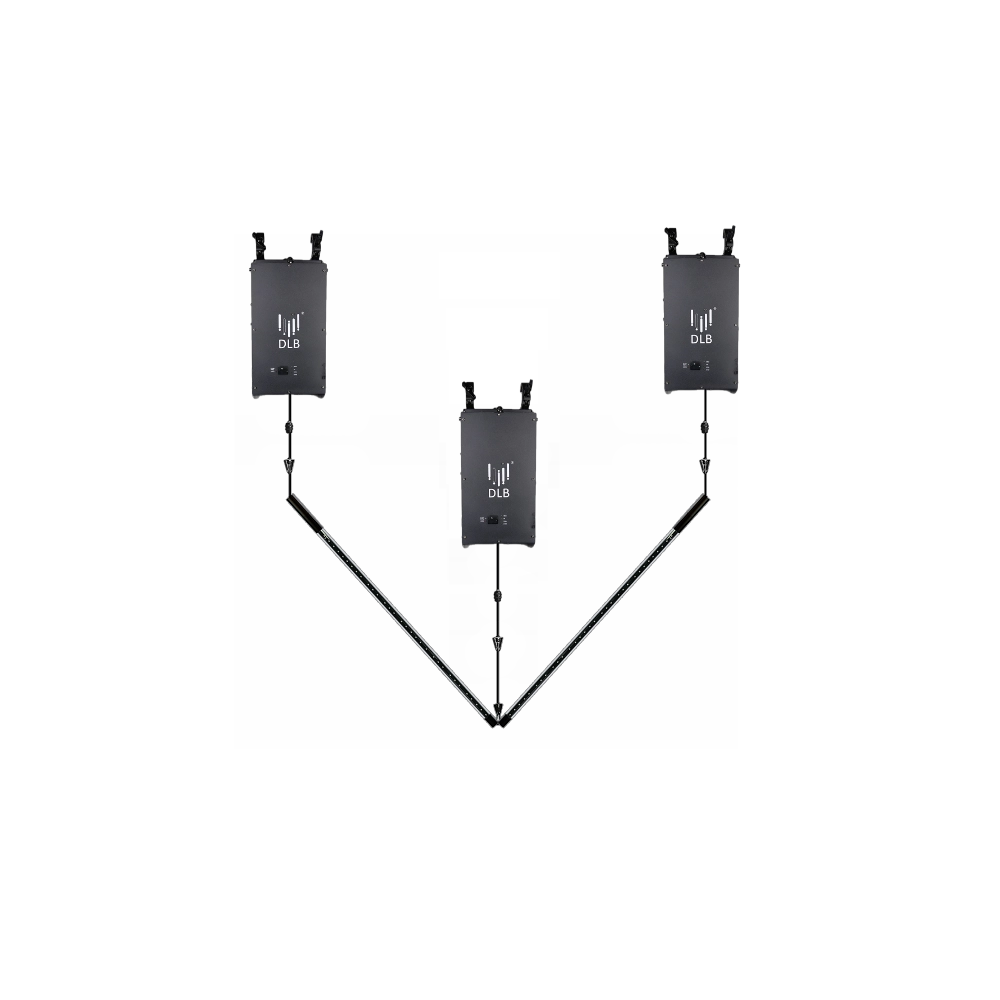
Kinetic Double Rod——Ideal for a wide range of large-scale events: commercial spaces, TV shows, concerts, nightclubs, and various other settings.
FENG-YI’s Kinetic Double Rod delivers dynamic kinetic light effects ideal for large-scale events—from concerts and nightclubs to TV shows and commercial spaces. Elevate your setup with this versatile kinetic light rod, designed for stunning visual impact and seamless integration.
↳ Read More
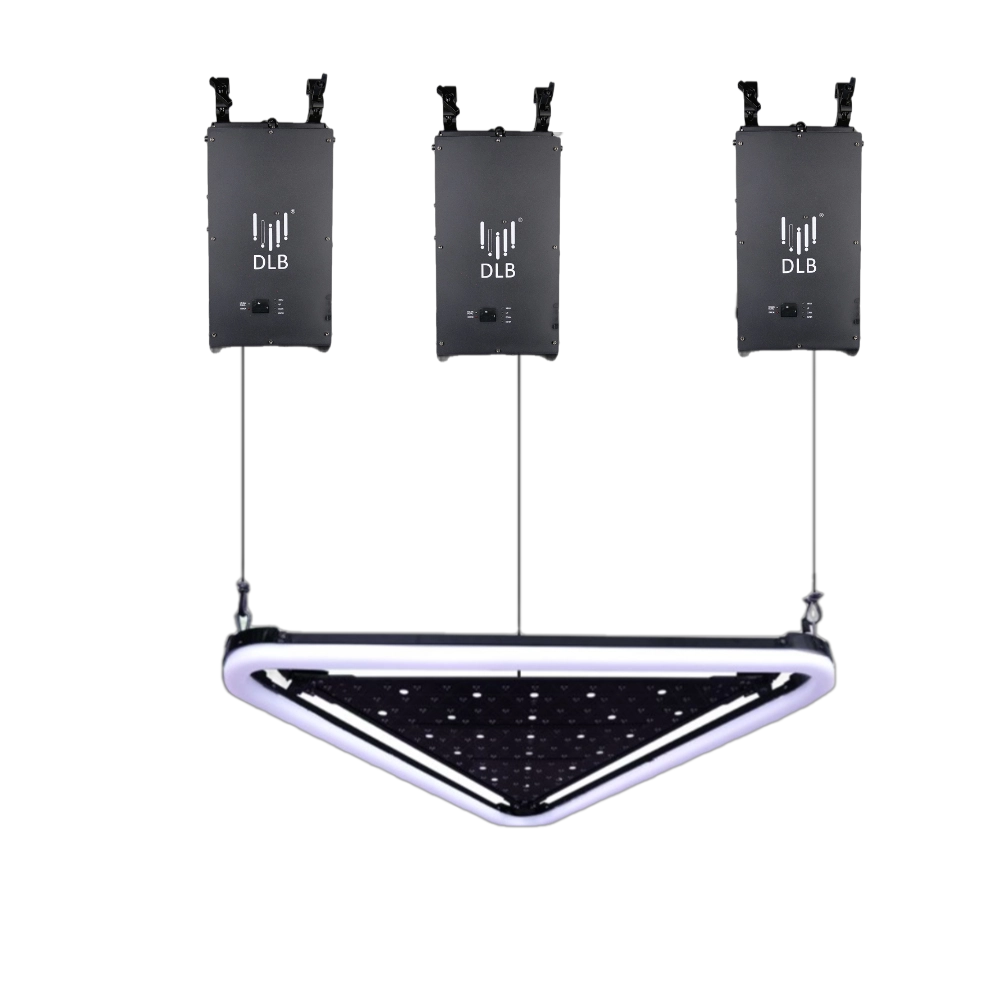
Kinetic Arc Panel——Ideal for a wide range of large-scale events: commercial spaces, TV shows, concerts, nightclubs, and various other settings.
FENG-YI’s Kinetic Arc Panel features dynamic kinetic light technology with kinetic triangle LED light panels, perfect for enhancing large-scale events like concerts, TV shows, nightclubs, and commercial spaces. Elevate your visual experience with innovative, high-impact lighting solutions.
↳ Read More
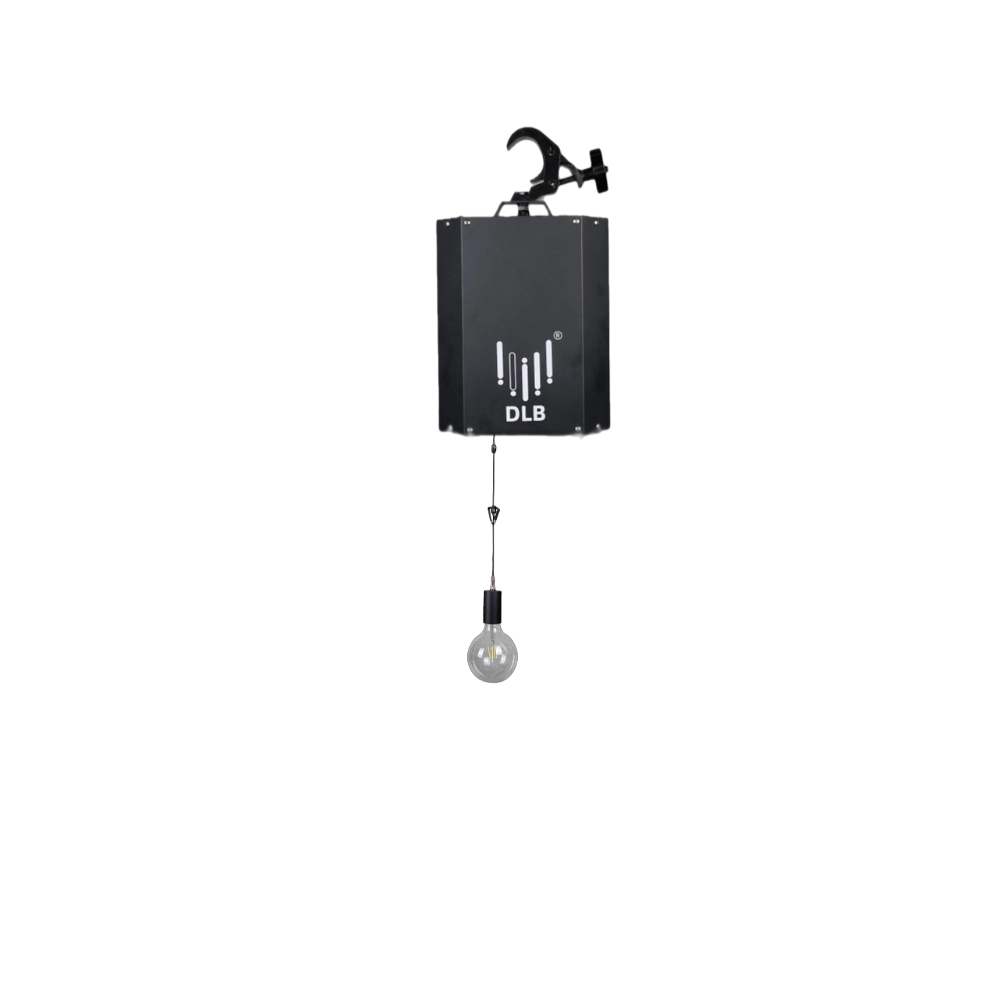
Kinetic Bulb——Ideal for a wide range of large-scale events: commercial spaces, TV shows, concerts, nightclubs, and various other settings
The FENG-YI Kinetic Bulb delivers dynamic lighting perfect for large-scale events, including commercial spaces, TV shows, concerts, and nightclubs. Experience vibrant, energy-efficient Kinetic Bulb light that transforms any setting with motion and brilliance. Elevate your event lighting today.
↳ Read More

FENG-YI has been continuously innovating and has grown into a Kinetic Lights Manufacturer and solution provider with unique advantages.
Contact
+86 181 2785 5301
Address
Building 5, No. 34, Fuyuan Road, Jinghu IndustrialZone, Xinhua Town, Huadu District, Guangzhou, China.
© 2025 FENG-YI. All Rights Reserved.
Facebook
Instagram
YouTube
TikTok