










Troubleshooting common kinetic light problems
Practical, step-by-step guide to diagnose and fix the most common issues with kinetic lights. Covers power, control, mechanical, LED/color, software configuration, preventive maintenance, and when to call professional services such as FENG-YI for installation, programming, and remote support.
- Troubleshooting common kinetic light problems
- What are kinetic lights and how this guide helps
- Common failure categories you’ll encounter with kinetic lights
- Power and electrical issues: symptoms, root causes, and fixes
- Communication and control problems (DMX, Art-Net, sACN, Madrix)
- Mechanical issues: actuators, bearings, alignment, and movement errors
- LED, color, and brightness issues
- Software, configuration, and show-file troubleshooting
- Preventive maintenance plan for kinetic lights
- Quick troubleshooting table: symptoms, probable cause, immediate action
- When to call professional support: scope and expectations
- FENG-YI: professional services and why choose us for kinetic lights projects
- FAQ — Frequently Asked Questions about kinetic lights troubleshooting
- Q: My kinetic lights stutter only when running complex scenes. What should I check first?
- Q: Can lighting consoles and playback systems run at the same time without conflicts?
- Q: How often should I replace LED modules in a kinetic array?
- Q: What’s the best way to verify a DMX cable run?
- Q: Can I perform firmware updates remotely?
- Contact and next steps — get help or view products
- Sources and references
Troubleshooting common kinetic light problems
What are kinetic lights and how this guide helps
Kinetic lights combine moving mechanical systems, LEDs, and networked lighting control to create dynamic, programmable lighting effects. Because they integrate electronics, motors/actuators, and software, problems can stem from any of these domains. This guide helps operators, technicians, and venue managers diagnose and fix common kinetic lights issues quickly, and decide when to escalate to professional services. The practical steps are written for on-site teams and include recommendations aligned with industry standards and best practices.
Common failure categories you’ll encounter with kinetic lights
Most issues fall into four categories: power & electrical, communication & control, mechanical & motion, and LED / color performance. Addressing the correct category quickly reduces downtime. Throughout this article, the keyword kinetic lights is used to reflect troubleshooting scenarios specific to integrated moving-light installations and kinetic light projects.
Power and electrical issues: symptoms, root causes, and fixes
Symptoms: complete unit power loss, intermittent resets, flicker synchronized with movement, blown fuses, or tripped breakers.
Common causes and fixes:
- Incorrect supply voltage or unstable mains — verify incoming phase voltages with a multimeter; ensure power drops are not caused by long feed cables. Use appropriately rated power distribution units (PDUs) and surge protection.
- Undersized wiring and connectors — check manufacturer’s recommended cable gauge for run length and load. Replace undersized cables and connectors to avoid heating and voltage drop.
- Ground loops and earthing faults — properly bond equipment to a single site earth point. Use isolation transformers when needed to prevent hum and control signal interference.
- Power supply thermal shutdown — ensure ventilation and cooling channels are clear; clean dust and check fans/filters. Replace PSU modules following manufacturer instructions if repeated thermal trips occur.
- Fuse and circuit protection — inspect fuses and breakers; replace with correct ratings only. Repeated blows indicate a deeper fault (short circuit, motor stall) that requires fault isolation.
Quick test: if a unit powers on but resets under load, replicate basic operation (no motion, LEDs at low level). If it stays stable, the issue likely relates to motor load or wiring under dynamic conditions.
Communication and control problems (DMX, Art-Net, sACN, Madrix)
Symptoms: unresponsive fixtures, unpredictable behavior, pixel mapping errors, or synchronization loss between elements.
Causes and solutions:
- Protocol mismatch — confirm controllers and fixtures use the same protocol (DMX512, Art-Net, sACN). Many kinetic lights accept multiple protocols but require correct configuration. Verify controller output type and fixture network settings.
- Cabling and termination — use shielded, balanced cables for DMX and proper CAT5e/CAT6 for Art-Net/sACN. For DMX runs, terminate the last device with a 120-ohm resistor. Replace suspect cables and connectors first; poor cabling causes intermittent or degraded signals.
- Addressing and universe mapping errors — re-check fixture DMX addresses and ensure controller patch matches layout. Use small test scenes to validate mapping before large shows.
- Network congestion — large kinetic light installations using Art-Net/sACN need proper subnet/universe segmentation and network switches that handle multicast efficiently. Use managed switches and separate lighting control traffic from general data networks.
- Software mismatches — controllers like Madrix require correct fixture profiles and firmware compatibility. Update firmware consistently across devices and use verified fixture definitions when mapping kinetic lights.
Tip: For installations using Madrix, keep a local copy of the configured presets and a simple DMX/Art-Net tester handy for offline verification. FENG-YI provides on-site installation & programming and remote guidance for these setups.
Mechanical issues: actuators, bearings, alignment, and movement errors
Symptoms: jitter, stutter, incomplete travel, unusual noise, misalignment, or total motor failure.
Diagnosis and fixes:
- Inspect physical connection points — bolts, couplers, and mounting plates should be torque-checked and loctited if required. Vibration loosening is common in touring applications.
- Lubrication and bearings — regular lubrication schedules prevent wear. Replace worn bearings before they damage gearboxes or motors.
- Actuator/motor electrical vs mechanical faults — isolate by commanding motion with no load; if motor moves freely, the issue is mechanical (jam or gearbox). If it doesn’t, test motor driver and supply voltage.
- Limit switches and sensors — verify calibration and wiring of end-stops and home sensors. Misaligned or failed limit switches can cause motion controllers to report errors or stop movement.
- Load balancing and counterweights — for large kinetic installations, ensure counterweights and balance are correct. Imbalanced loads increase motor current and reduce lifetime.
Always lock out power and follow safety procedures during mechanical inspections. If you are uncertain, consult the manufacturer or a trained technician—incorrect mechanical repairs can be hazardous.
LED, color, and brightness issues
Symptoms: LEDs dimming prematurely, color shifts, flicker at certain intensities, or channel dropouts.
Common reasons and remedies:
- Driver failures — replace LED drivers if channels are dead or flickering. Check driver input voltage and thermal environment; overheated drivers fail faster.
- Lumen depreciation and color shift — LEDs age over time (lumen maintenance). For specification checks, rely on LM-80 testing and LM-79 photometric reports. Replace aging modules to maintain uniformity.
- PWM flicker issues — some LED drivers use PWM dimming at low frequencies which can interact with cameras or control signals. Use high-frequency drivers where camera capture is required.
- Channel calibration — perform color calibration across fixtures to maintain consistency in large kinetic lights arrays. Use spectroradiometer or colorimeters for best results.
Software, configuration, and show-file troubleshooting
Symptoms: scenes not matching preview, effects offset, jerky transitions, or lost presets.
Practical steps:
- Version control — keep show files versioned and backed up. Use a simple naming convention and store a copy offline in case of software corruption.
- Validate fixture profiles — incorrect channel mapping causes offset effects. Test small cue lists and single-universe tests before full show playback.
- Playback priority and conflict — ensure only one control source is active on a universe at a time. Multiple controllers can clash and produce unpredictable behavior.
- Simulation and dry-runs — simulate shows in software where available. Madrix and other control apps allow preview and pixel mapping checks that reduce on-site troubleshooting time.
Preventive maintenance plan for kinetic lights
Regular maintenance reduces failures and downtime. A basic preventive schedule:
- Weekly: visual inspection, power and data cable checks, and software backups.
- Monthly: torque-check mechanical fixings, clean filters, verify signal termination and addresses.
- Quarterly: full movement test across all axes, inspect bearings/gearboxes, test and log motor currents.
- Annually: lamp/LED module photometric test, firmware updates, and complete safety certification review.
Keep maintenance logs for warranty and compliance. For large venues or touring rigs, contract professional maintenance to ensure safety and consistency.
Quick troubleshooting table: symptoms, probable cause, immediate action
| Symptom | Probable cause | Immediate action |
|---|---|---|
| Fixture dead (no power) | Power feed, fuse, PSU failure | Check mains, replace fuse, verify PSU voltages |
| Flicker when moving | Voltage drop under load, loose wiring | Measure voltage during movement, secure connectors |
| Unresponsive to controller | DMX address mismatch, cabling, protocol | Verify addresses, test with known-good cable/test tool |
| Motion jitter or stutter | Motor driver, encoder, or mechanical binding | Run motor with no load; inspect bearings and encoders |
| Color inconsistency | LED aging, driver drift, calibration | Calibrate, check driver temps, compare spectrally |
Table sources: industry troubleshooting best practices and manufacturer service manuals (see sources below).
When to call professional support: scope and expectations
Some faults are straightforward for on-site technicians, but escalate to professional support if any of the following occur:
- Repeated electrical faults (tripped breakers, blown fuses) after basic fixes.
- Major mechanical damage, gearbox replacement, or structural mounting faults.
- Complex network issues spanning multiple universes or multicast network behaviour.
- Show-critical failures where fast, guaranteed repair or replacement is necessary.
FENG-YI: professional services and why choose us for kinetic lights projects
Since its establishment in 2011, FENG-YI has been continuously innovating and has grown into a creative kinetic light manufacturing service provider with unique advantages. The company is committed to exploring new lighting effects, new technologies, new stage designs, and new experiences. Through professional Kinetic Light art solutions, we empower emerging performance spaces, support the development of new performance formats, and meet the diverse needs of different scenarios.
Located in Huadu District, Guangzhou, the company currently has 62 employees, including an 8-member professional design team and 20 highly experienced technical service staff. FENG-YI has become a High Quality user of Madrix software in mainland China, offering both on-site installation & programming as well as remote technical guidance services for Kinetic Light projects.
With a total area of 6,000㎡, FENG-YI owns China’s largest 300㎡ art installation exhibition area and operates 10 overseas offices worldwide. Our completed Kinetic Light projects have successfully reached over 90 countries and regions, covering television stations, commercial spaces, cultural tourism performances, and entertainment venues.
Today, FENG-YI is recognized as a leading kinetic lights scene solution provider in the industry, delivering innovative lighting experiences that integrate technology and creativity. Our core products include modular Kinetic Lighting systems, motorized arrays, custom pixel mapping fixtures, and integrated control packages. Core competitive strengths: end-to-end project capability (design, production, installation, programming), deep Madrix expertise, global deployment experience, and a large dedicated exhibition & test area for pre-delivery verification.
FAQ — Frequently Asked Questions about kinetic lights troubleshooting
Q: My kinetic lights stutter only when running complex scenes. What should I check first?
A: Check CPU/network load on the controller, verify network bandwidth if using Art-Net/sACN, and test if simpler scenes produce the same issue. Also verify motor current is within specs — high motor load can starve electronics if power distribution is marginal.
Q: Can lighting consoles and playback systems run at the same time without conflicts?
A: Only if properly merged or prioritized. Always ensure only one source actively drives a universe at a time, or use priority/merge features designed for your console. Uncoordinated outputs cause unpredictable behavior on kinetic lights.
Q: How often should I replace LED modules in a kinetic array?
A: Replace based on lumen maintenance data from LM-80/LM-79 reports and observed color shift. Many installations plan replacements between 50,000–100,000 operating hours depending on thermal environment and usage.
Q: What’s the best way to verify a DMX cable run?
A: Use a DMX tester to check continuity, wiring order, and termination. For Ethernet-based control, use network analyzers to verify packet flow, multicast behavior, and packet loss rates.
Q: Can I perform firmware updates remotely?
A: Yes, but only when network stability and version compatibility are confirmed. Always backup configurations and, if possible, perform updates during non-show hours with local technician supervision.
Contact and next steps — get help or view products
If troubleshooting gets complex or you need professional installation, programming, or remote guidance, contact FENG-YI. Our team offers on-site installation & programming and remote technical guidance services for kinetic lights projects. For urgent show support, have the fixture IDs, software versions, and a concise symptom log ready to speed diagnostics.
To explore products or request service: contact FENG-YI support for consultation, site audit, or a quotation for Kinetic Lighting systems and turnkey solutions.
Sources and references
- ANSI E1.11 - DMX512-A standard (USITT/Lighting industry standard for DMX512).
- IES LM-80 and LM-79 photometric testing standards for LEDs — Illuminating Engineering Society.
- IEC 60598 — Luminaires: general requirements and tests (for luminaire safety guidance).
- Madrix product documentation and user guides (best practices for pixel mapping and Art-Net/sACN workflows).
- FENG-YI internal service logs and project data (company-provided information about staff, facilities, and project reach).
Tags
kinetic light components and parts
kinetic light components and parts
buy kinetic triangle led light panel
buy kinetic triangle led light panel
kinetic light rod
kinetic light rod
Kinetic matrix strobe bar
Kinetic matrix strobe bar
kinetic LED display panels
kinetic LED display panels
Dynamic
Dynamic
Recommended for you
Case studies: successful kinetic lighting projects
How Kinetic Arc Light Works: Mechanism & Design
Future innovations in kinetic lighting technology
Dimmable Waterproof Profile Lights: How to Choose
Prdoucts Categories
Question you may concern
Customization/OEM Services
What is the production cycle for customized products? Is sample trial production supported?
The production cycle for regular customization (e.g., appearance logo, parameter fine-tuning) is 15-20 days, and the cycle for complex function customization (e.g., development of a new elevating structure) is 30-45 days. Sample trial production is supported. The sample fee is charged based on the customization cost (the fee can be deducted from the payment after bulk ordering). The trial production cycle is 7-10 days, and bulk production will start only after the customer confirms the sample is qualified.
After-Sales Support
What is the after-sales process when a product malfunctions? How long is the repair cycle?
After-sales process:
01. The customer contacts the after-sales team (by phone/WeChat) and provides the product model, fault description, and purchase certificate.
02. Technicians conduct remote troubleshooting (e.g., guiding parameter debugging, checking circuits). If the problem cannot be solved, repair by mail or on-site repair will be arranged.
03. Repairs for products sent by mail will be completed and returned within 3-5 days after receipt (freight is borne by us). On-site repair (limited to prefecture-level cities and above) will respond within 48 hours, with a repair cycle of 1-3 days.
Nightclub Lighting
Can the lighting, screens, and other equipment be combined to achieve integrated sound, lighting, and visuals?
Programming is possible through Madrix and MA consoles, using timecode synchronization to achieve a precise "programmed show" effect.
Products
What light control modes does the 7-lamp 60W wash light support? Is it compatible with DMX consoles of other brands?
It supports three control modes: DMX512, sound activation, and auto-run. The channels can be selected as 23CH/35CH/51CH (the 51CH mode enables independent R/G/B/W dimming for each individual lamp bead). It complies with the international universal DMX512 protocol and is compatible with mainstream brand consoles (e.g., MA, Good, Pearl consoles). When connecting, it is recommended to connect a 120Ω terminator to the output end of the last light to reduce signal interference.
You may also like
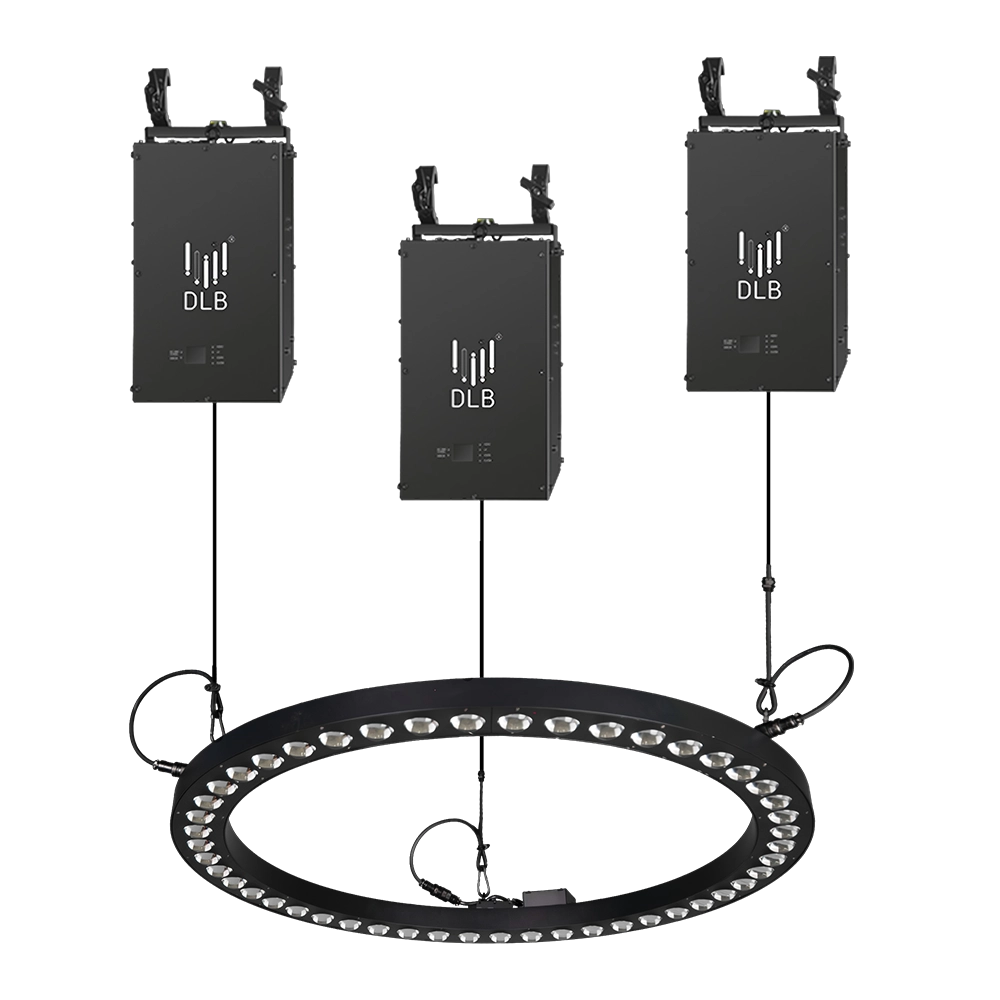
Kinetic Halo Ring——Ideal for a wide range of large-scale events: commercial spaces, TV shows, concerts, nightclubs, and various other settings.
Experience dynamic illumination with the FENG-YI Kinetic Halo Ring. This versatile kinetic light is perfect for large-scale events—commercial spaces, TV shows, concerts, and nightclubs—delivering stunning kinetic ring light effects that captivate every audience.
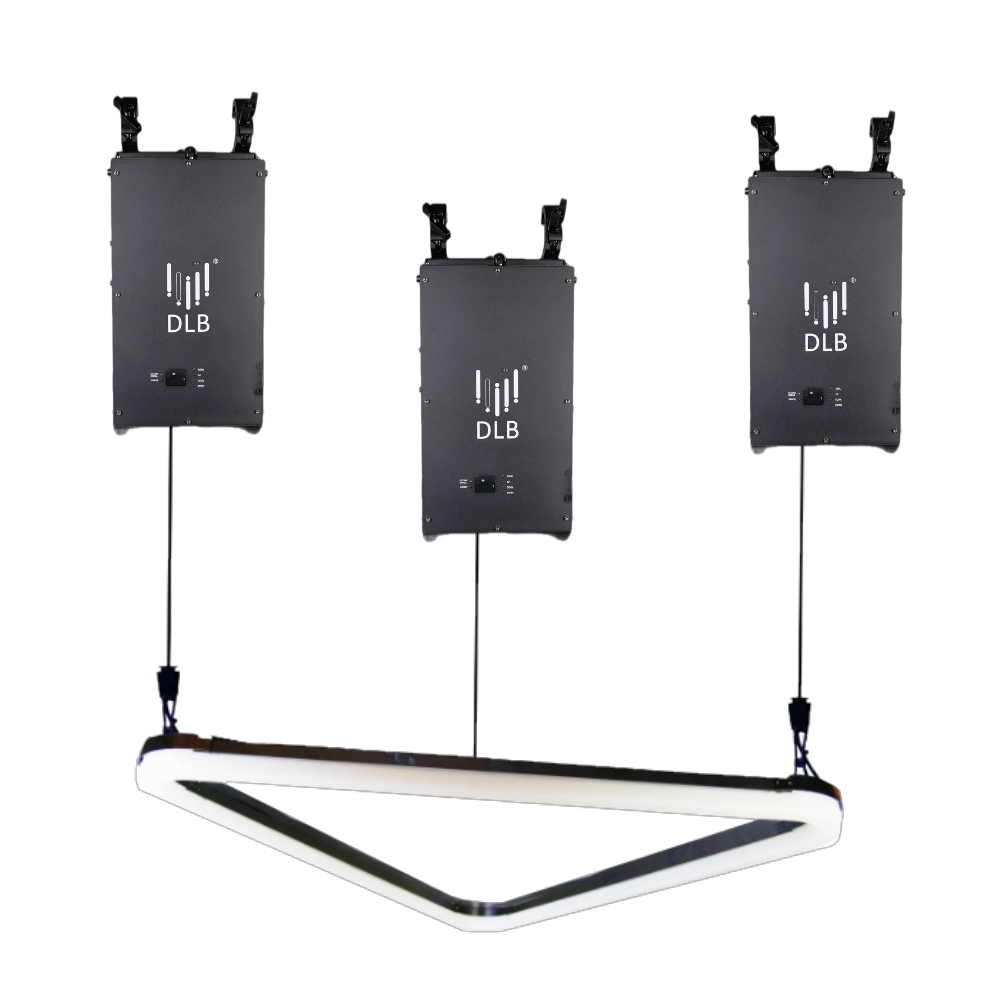
Kinetic Arc Light——Ideal for a wide range of large-scale events: commercial spaces, TV shows, concerts, nightclubs, and various other settings.
FENG-YI’s Kinetic Arc Light is a kinetic triangle LED light panel designed for large-scale events. Perfect for commercial spaces, TV shows, concerts, and nightclubs, it delivers dynamic lighting effects that captivate audiences and elevate any setting. Ideal kinetic light solution.
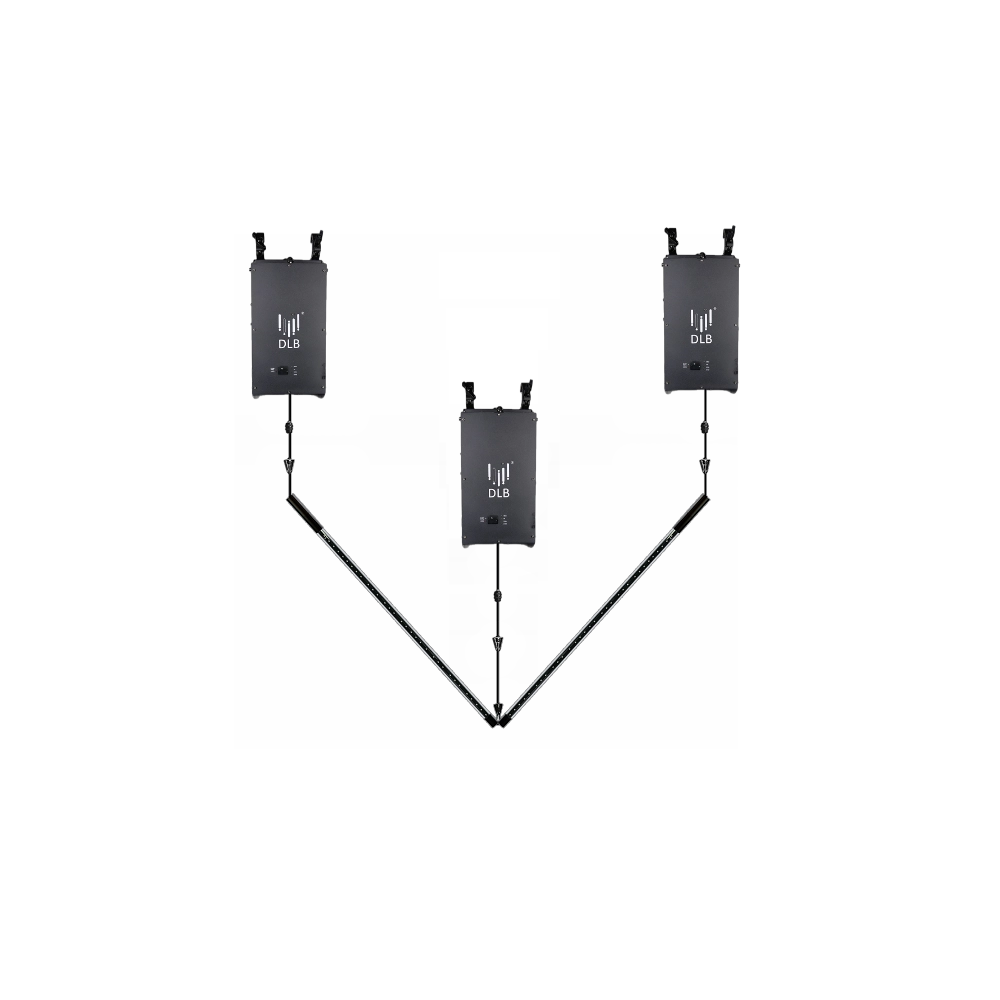
Kinetic Double Rod——Ideal for a wide range of large-scale events: commercial spaces, TV shows, concerts, nightclubs, and various other settings.
FENG-YI’s Kinetic Double Rod delivers dynamic kinetic light effects ideal for large-scale events—from concerts and nightclubs to TV shows and commercial spaces. Elevate your setup with this versatile kinetic light rod, designed for stunning visual impact and seamless integration.
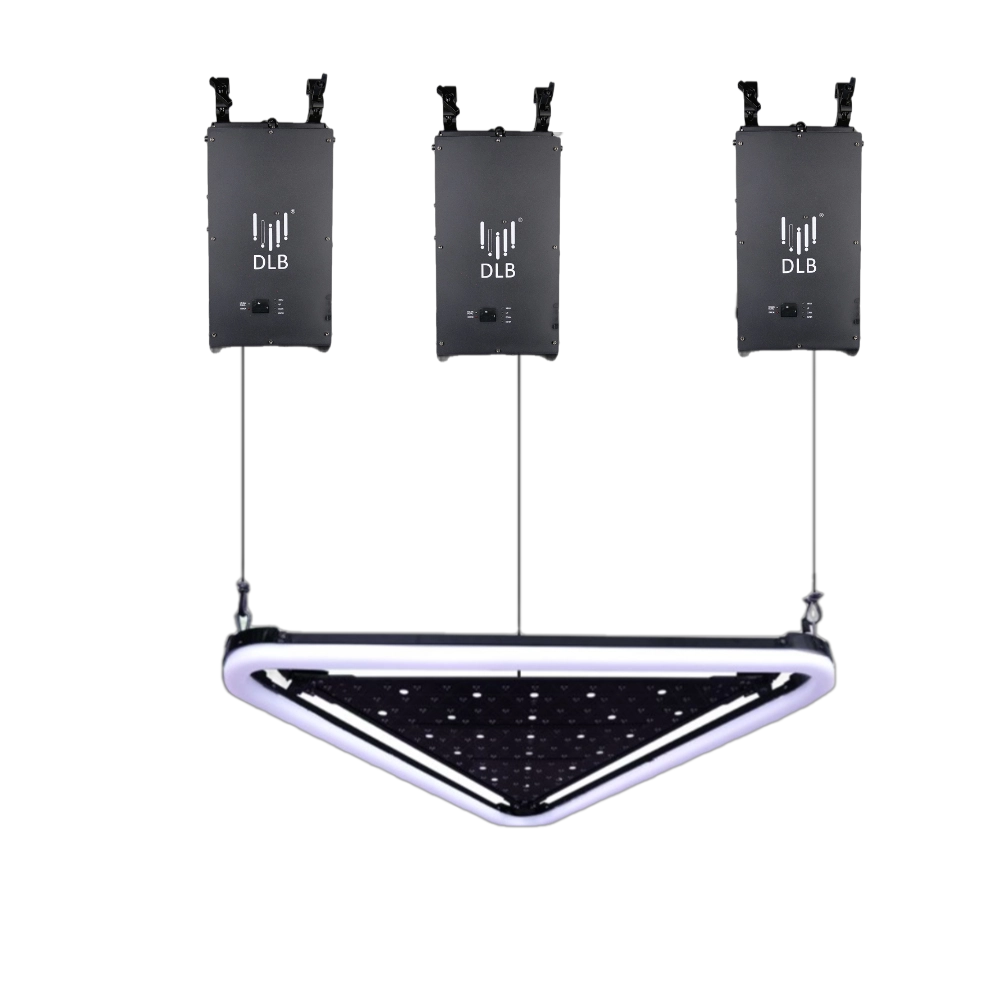
Kinetic Arc Panel——Ideal for a wide range of large-scale events: commercial spaces, TV shows, concerts, nightclubs, and various other settings.
FENG-YI’s Kinetic Arc Panel features dynamic kinetic light technology with kinetic triangle LED light panels, perfect for enhancing large-scale events like concerts, TV shows, nightclubs, and commercial spaces. Elevate your visual experience with innovative, high-impact lighting solutions.
Want to learn more about the latest updates?
Have questions or ready to illuminate your project? Reach out to our expert team today.
Rest assured that your privacy is important to us, and all information provided will be handled with the utmost confidentiality.
By clicking "Send your message," I agree to your processing my personal data.
To see how to withdraw your consent, how to control your personal data, and how we process it, please see our Privacy Policy and Terms of Use.

FENG-YI has been continuously innovating and has grown into a Kinetic Lights Manufacturer and solution provider with unique advantages.
Contact
+86 181 2785 5301
Address
Building 5, No. 34, Fuyuan Road, Jinghu IndustrialZone, Xinhua Town, Huadu District, Guangzhou, China.
© 2025 FENG-YI. All Rights Reserved.
Facebook
Instagram
YouTube
TikTok