









FENG-YI Kinetic Stage Lights — Dynamic Lighting Solutions
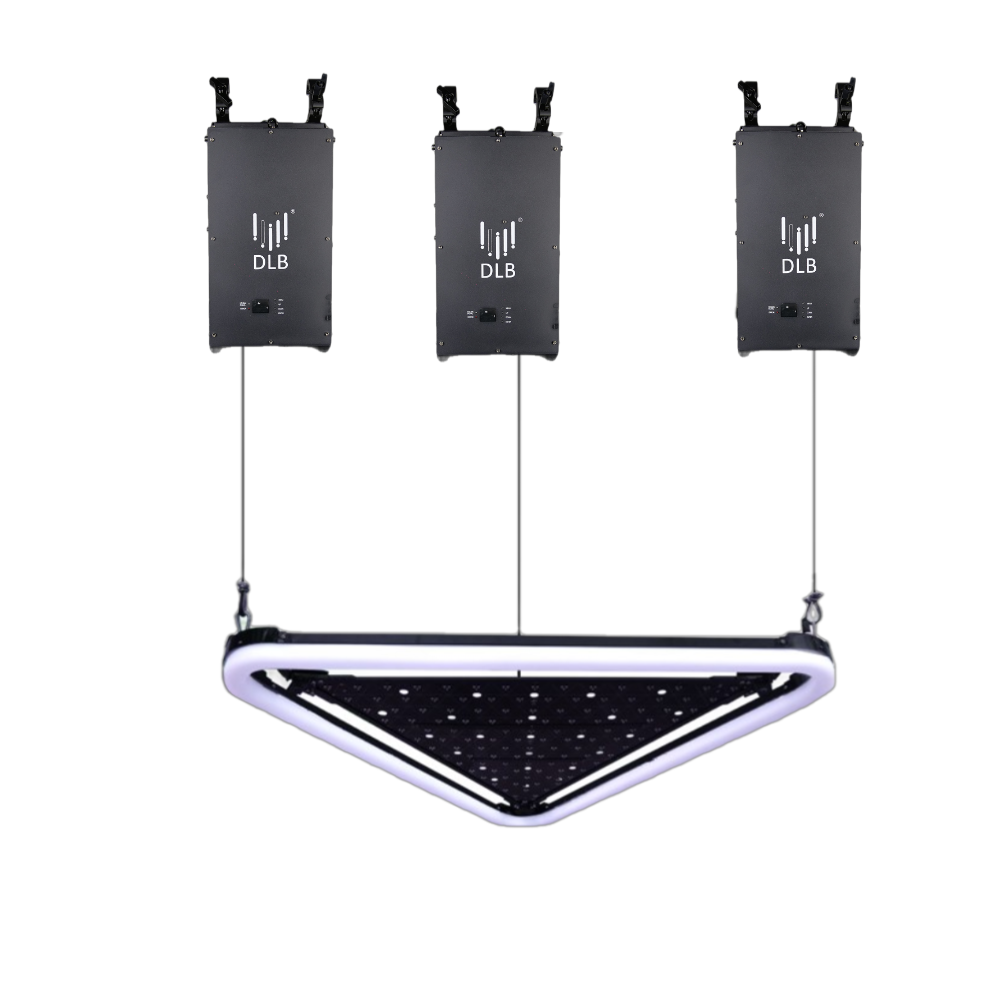
Kinetic Stage Lights by FENG-YI — Transform Your Performance Space
Why Kinetic Stage Lights?
Kinetic stage lights add motion, depth and narrative to any performance. By combining modular moving fixtures, synchronized control and dynamic art design, Kinetic lights create immersive atmospheres that engage audiences and elevate productions. FENG-YI specializes in translating creative concepts into kinetic realities that resonate in live shows, broadcasts and experiential venues.
FENG-YI Advantage: Innovation & Expertise
Since 2011, FENG-YI has led the kinetic lights industry with continuous innovation. Our 8-member design team and 20 technical experts fuse artistic vision with engineering precision. As a High Quality Madrix user in mainland China, we offer advanced control, pixel mapping and bespoke effects to make every kinetic installation unique and reliable.
Comprehensive Services & Technical Support
We provide end-to-end services: concept design, prototype, manufacturing, on-site installation, programming and remote technical guidance. Our 62-strong team ensures projects are delivered on time and optimized for performance. For complex deployments, we offer on-site programming and remote troubleshooting to maintain show continuity.
Applications & Versatility
FENG-YI kinetic stage lights suit diverse scenarios: television studios, concert stages, themed attractions, retail flagships and cultural tourism performances. Our modular systems adapt to different scales—from intimate sets to expansive arena productions—offering synchronized motion, color dynamics, and interactive possibilities.
Global Reach & Proven Projects
With a 6,000㎡ facility and China’s largest 300㎡ art installation exhibition area, FENG-YI operates 10 overseas offices and has completed projects in over 90 countries. Our portfolio spans commercial spaces, entertainment venues and broadcast studios, reflecting industry trust and global scalability.
Partner with FENG-YI
Choose FENG-YI for innovative kinetic stage lights that merge technology and storytelling. Whether you need creative consultation, customized kinetic fixtures or full technical delivery, we empower new performance formats and unforgettable audience experiences. Contact us to explore tailored kinetic light solutions for your next production.
Kinetic stage lights Display
FAQ:
The cutting blades do not move linearly. How to troubleshoot?
Fix with these steps:
1. Channel Check: Ensure the correct cutting channel (e.g., Cut 1: CH24) is selected on the controller; set the channel value to 100-255 (0=no movement).
2. Motor Calibration: Enter "Factory Settings → Motor Calibration → Cut 1" and adjust the offset (-128~+127) to compensate for mechanical errors.
3. Mechanical Blockage: Power off the fixture and check if debris (dust, wire) is blocking the blade’s travel path; clean the path with a soft brush and re-test.
How to set the DMX starting address via the panel?
Follow these steps:
1. Press "Left" (multiple times if needed) to return to the main interface.
2. Press "Up/Down" to select "Settings", then press "OK" to enter.
3. Select "DMX Address" and press "OK" to enter edit mode.
4. Adjust the hundreds digit (e.g., 2 for address 286) with "Up/Down", press "OK" to confirm; repeat for tens (8) and units (6) digits.
5. Press "OK" again to save the address (e.g., A286) and exit edit mode.
Is the control system compatible with existing consoles?
Supports DMX / Art-Net / sACN for seamless integration with mainstream consoles; also enables Timecode-driven operation and multimedia synchronized control.
The fixture overheats and shuts down. What should I do?
Resolve overheating issues:
1. Environment Check: Ensure the operating temperature ≤60℃; move the fixture away from heat sources (e.g., stage heaters) and ensure 50cm clearance around the fan grille.
2. Fan Maintenance: Clean the fan and fan grille with compressed air (remove dust buildup); check if the fan runs when the fixture is powered on (replace fan if silent).
3. Protection Threshold: Enter "Settings → Temperature Protection" to adjust the threshold (default 60℃, max 80℃) if the environment requires higher operating temperatures.
The X/Y axis moves abnormally (jitter, no response). What causes this?
Address the issue as follows:
1. Mechanical Check: Open the fixture (after power-off) to inspect if the X/Y axis belts are loose or broken; re-tighten or replace belts if needed.
2. Optical Coupling Calibration: Enter "Settings → Motor Calibration → X/Y Axis" to adjust the offset (-128~+127) or enable "Optical Coupling" (auto-corrects step loss).
3. Reset & Restart: Press "Menu → Reset → XY Reset" to reposition the axes; if no response, check the X/Y axis photoelectric switches (replace if "X/Y Hall Error" appears in the error menu).
Related Products


Programmable Kinetic led Bobo Ball for Immersive Stage Design
Programmable Kinetic led Bobo Ball for Immersive Stage Design

FENG-YI DLB Programmable Mini DMX 512 Winch for Events and Nightclubs
FENG-YI DLB Programmable Mini DMX 512 Winch for Events and Nightclubs

FENG-YI DLB 2kg DMX Winch Manufacturer for Kinetic Lighting Systems 3m 6m 9m 12m
FENG-YI DLB 2kg DMX Winch Manufacturer for Kinetic Lighting Systems 3m 6m 9m 12m

DMX Kinetic LED Flower Lighting Installation for Hotel Lobbies and Interactive Spaces
DMX Kinetic LED Flower Lighting Installation for Hotel Lobbies and Interactive Spaces

Waterproof Wall Washer Manufacturer 18 × 10W Waterproof Wall Wash Lights
Waterproof Wall Washer Manufacturer 18 × 10W Waterproof Wall Wash Lights

Professional Stage Lighting Manufacturer 10 × 60W Waterproof Moving Head “Rattlesnake” Lights
Professional Stage Lighting Manufacturer 10 × 60W Waterproof Moving Head “Rattlesnake” Lights
Top Selling Products

15m120kg High Speed DMX Winch for Professional Kinetic Lighting Systems
15m120kg High Speed DMX Winch for Professional Kinetic Lighting Systems
15M 80kg DMX Winch Manufacturer | Kinetic Lighting Winch Supplier - Fengyi
15M 80kg DMX Winch Manufacturer | Kinetic Lighting Winch Supplier - Fengyi
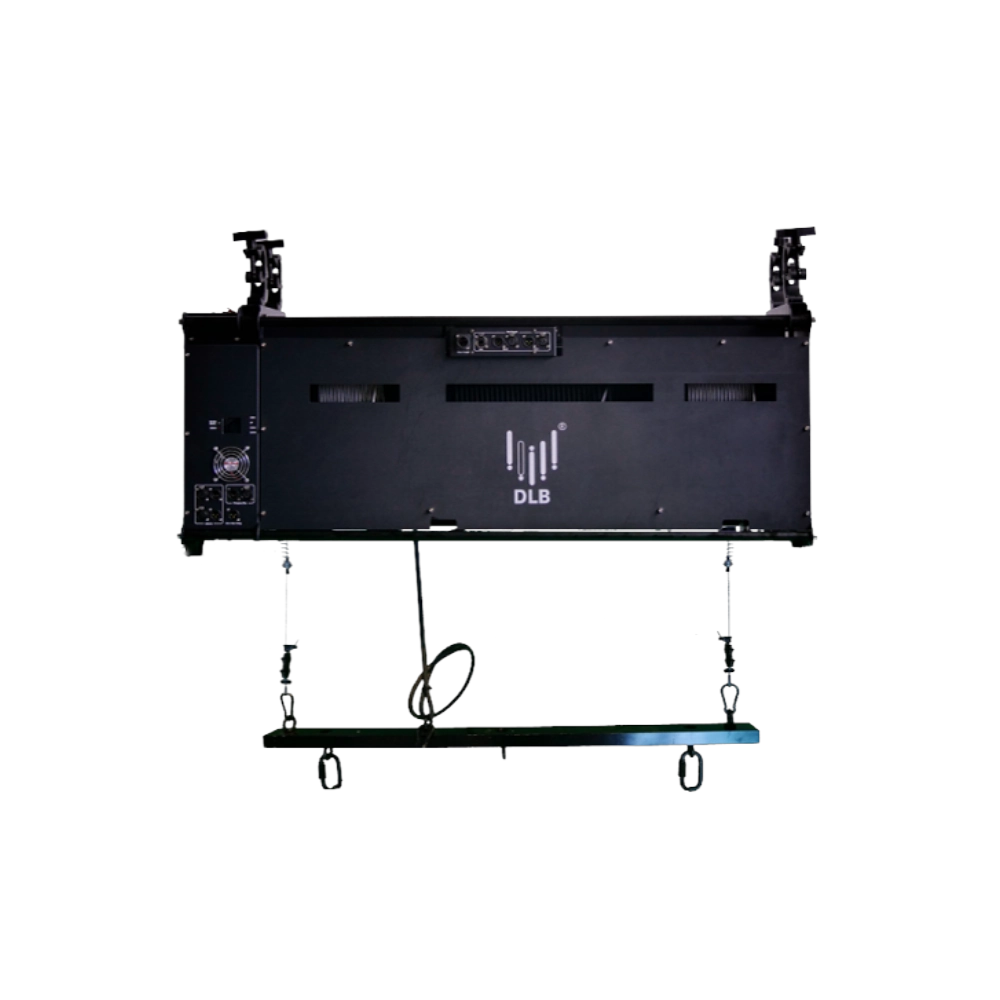
Kinetic Winch 20m 50kg Heavy Duty Winch for Stage Events and Commercial Use
Kinetic Winch 20m 50kg Heavy Duty Winch for Stage Events and Commercial Use
DMX Kinetic LED Flower Lighting Installation for Hotel Lobbies and Interactive Spaces
DMX Kinetic LED Flower Lighting Installation for Hotel Lobbies and Interactive Spaces
DMX Winch Manufacturer 20M 30kg Motorized DMX Winch for concerts live events moving stage lighting installation
DMX Winch Manufacturer 20M 30kg Motorized DMX Winch for concerts live events moving stage lighting installation
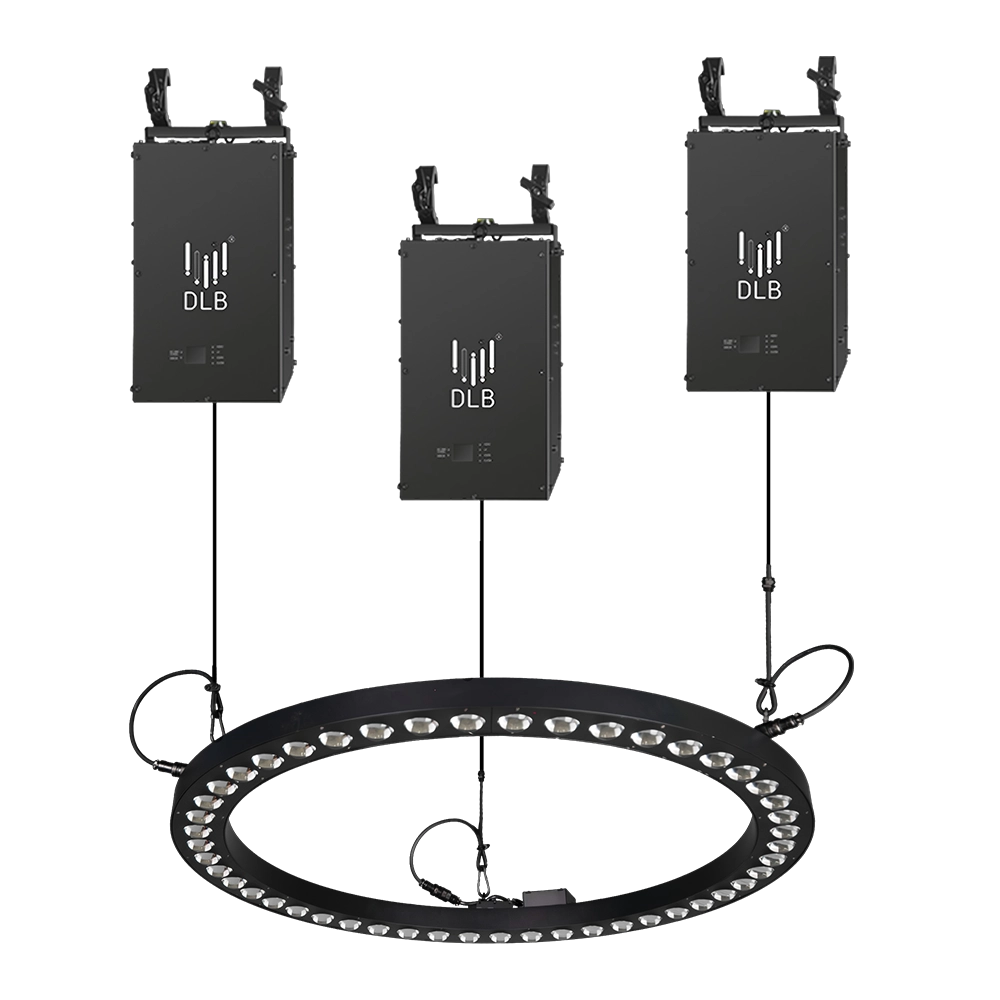
Kinetic Beam Ring Light – DMX Motorized LED Ring for Stage Lighting
Kinetic Beam Ring Light – DMX Motorized LED Ring for Stage Lighting
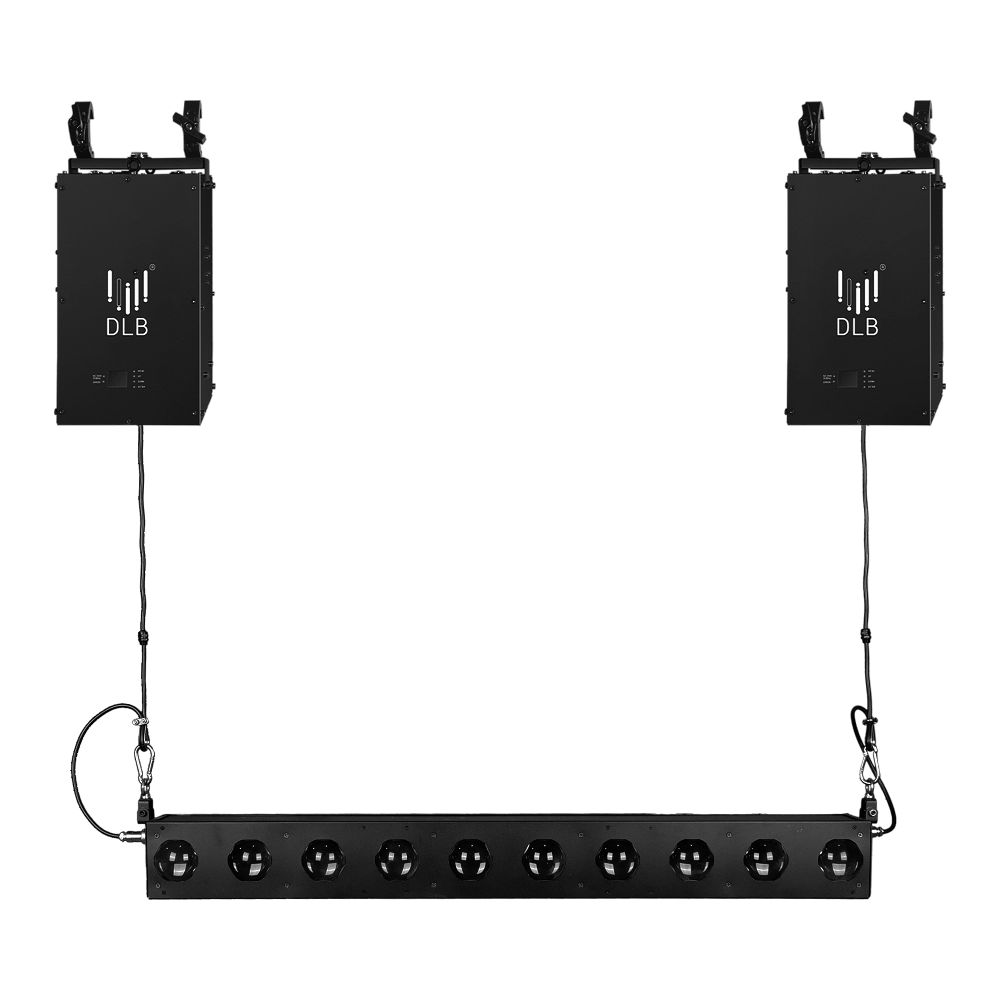
FENG-YI DMX Motorized Kinetic Strobe Lighting for Club Projects
FENG-YI DMX Motorized Kinetic Strobe Lighting for Club Projects
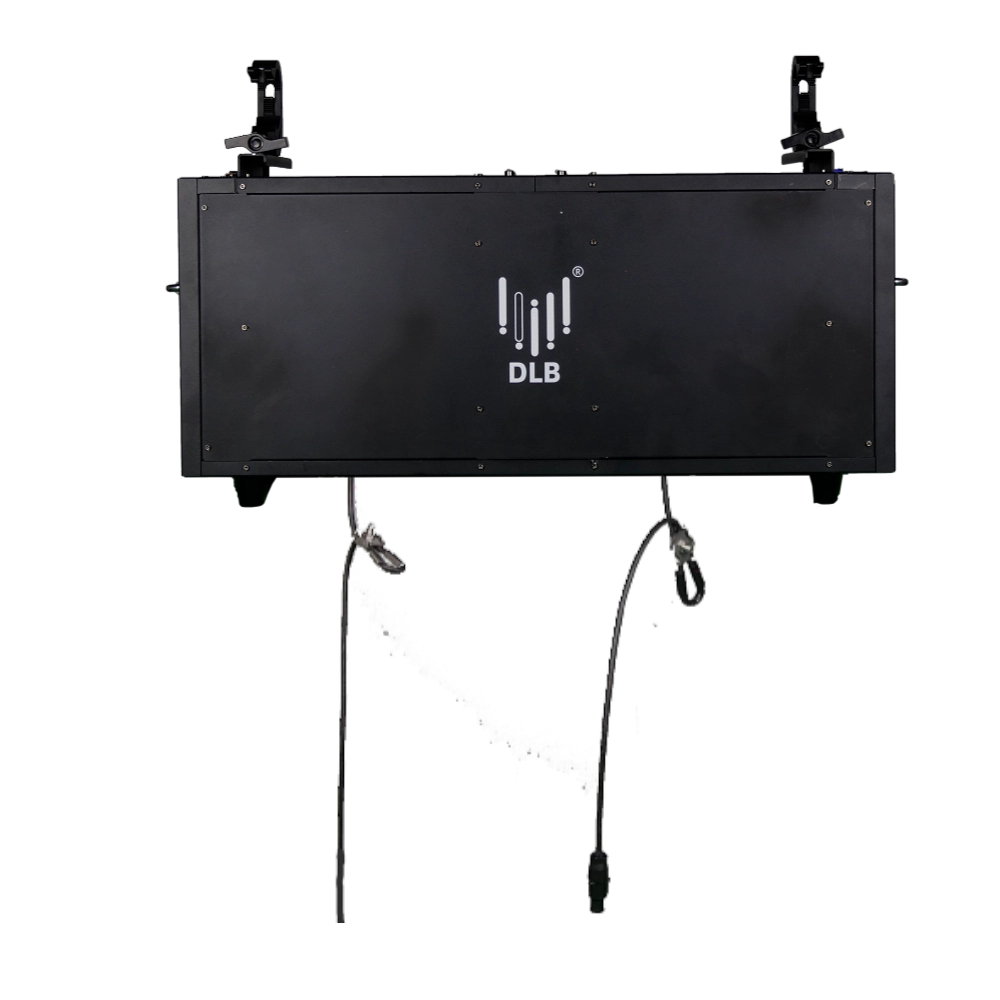
15m 25kg Intelligent Kinetic Lighting Winch System for Stage Shows Exhibition and Nightclub
15m 25kg Intelligent Kinetic Lighting Winch System for Stage Shows Exhibition and Nightclub
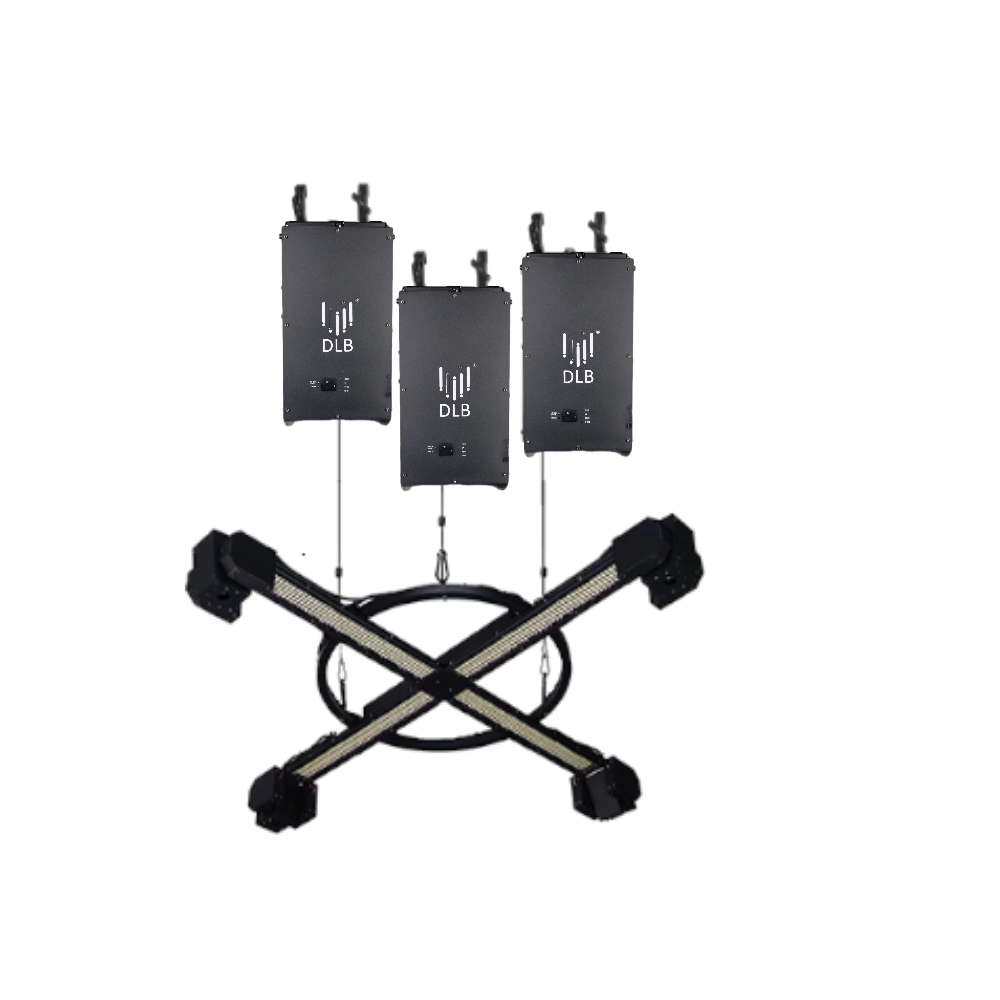
Kinetic LED Lighting Supplier DMX Kinetic Strobe Lighting for Concerts & Live Events
Kinetic LED Lighting Supplier DMX Kinetic Strobe Lighting for Concerts & Live Events
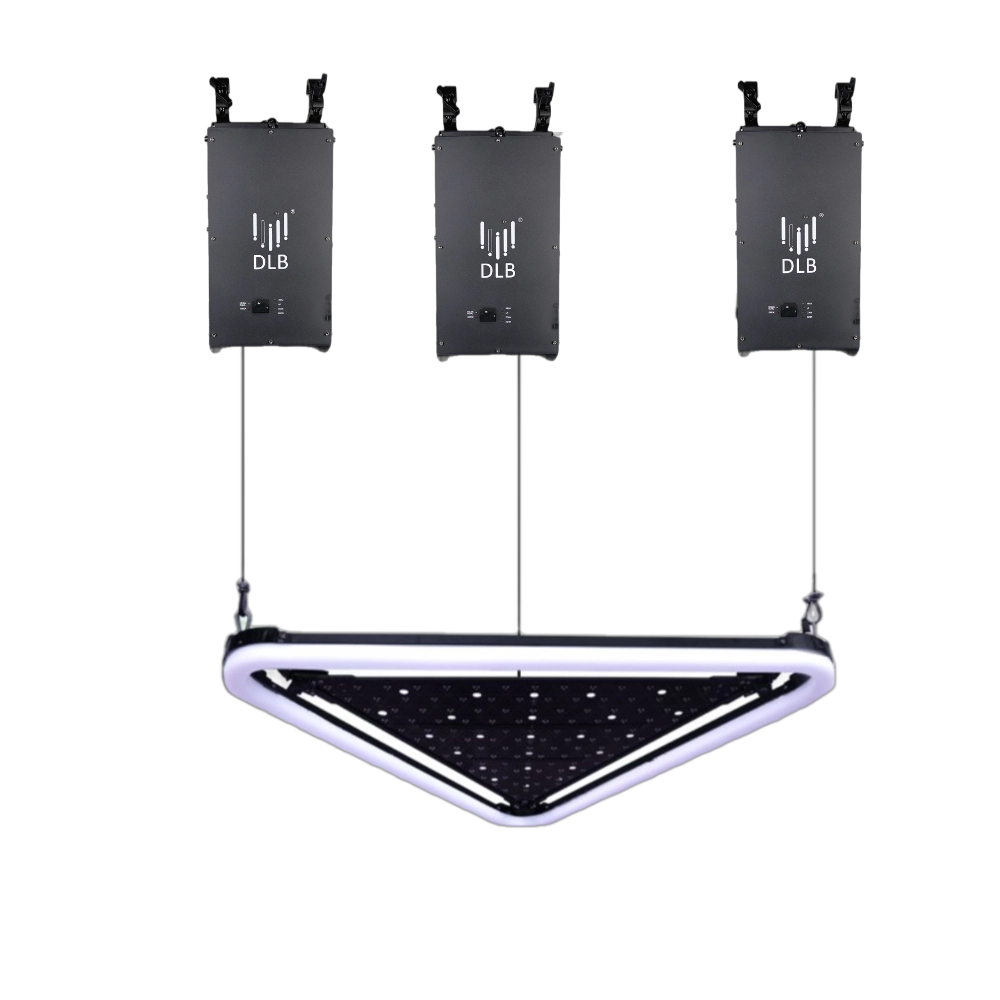
led panel Architectural Kinetic Lighting Installation for Hotels Banquet Halls
led panel Architectural Kinetic Lighting Installation for Hotels Banquet Halls

kinetic led panel Motorized Kinetic Lighting for Hotels Concerts Event Contractors
kinetic led panel Motorized Kinetic Lighting for Hotels Concerts Event Contractors
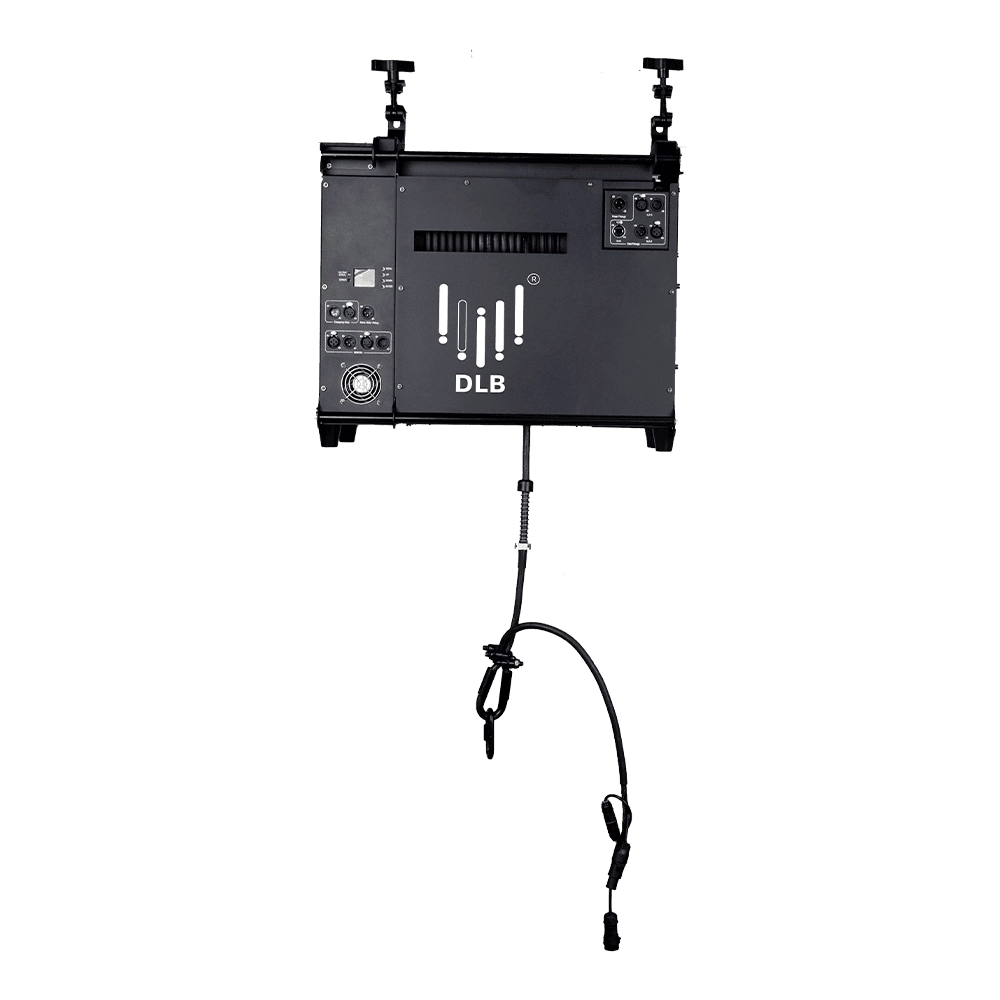
Programmable Kinetic lighting DMX Winch 9m15kg for live events and exhibition displays
Programmable Kinetic lighting DMX Winch 9m15kg for live events and exhibition displays
Related Blog
Related Search
LED kinetic light orb
LED kinetic light orb
Buy kinetic lights
Buy kinetic lights
Full color.
Full color.
commercial waterproof stage light manufacturer
commercial waterproof stage light manufacturer
programmable kinetic lighting system
programmable kinetic lighting system
waterproof stage lighting for festivals
waterproof stage lighting for festivals
kinetic LED light fixture
kinetic LED light fixture
led kinetic lighting lifting ball light
led kinetic lighting lifting ball light
kinetic stage lighting systems
kinetic stage lighting systems
Kinetic lights for events
Kinetic lights for events
Get in touch with us
If you have any comments or good suggestions, please leave us a message, later our professional staff will contact you as soon as possible.

Global Kinetic Lighting Solution Partner for Creative Industries
Contact
Address
Building 5, No. 34, Fuyuan Road, Jinghu IndustrialZone, Xinhua Town, Huadu District, Guangzhou, China.
© 2026 FENG-YI. All Rights Reserved.
Facebook
Instagram
YouTube
TikTok
FENGYI Kinetic Lights Solution